
Service Robot Replacement Planning, Asset Lifecycle, Battery Age, and the Keep-or-Replace Decision
At a glance: Most fleets are replaced on a calendar, and the calendar is the wrong trigger. What actually retires a service robot is a battery that no longer covers the shift, and firmware that no longer receives security updates. Here is how to measure both, and a cost-per-effective-hour method for the keep-or-replace call.
Why Calendar Age Is the Wrong Trigger
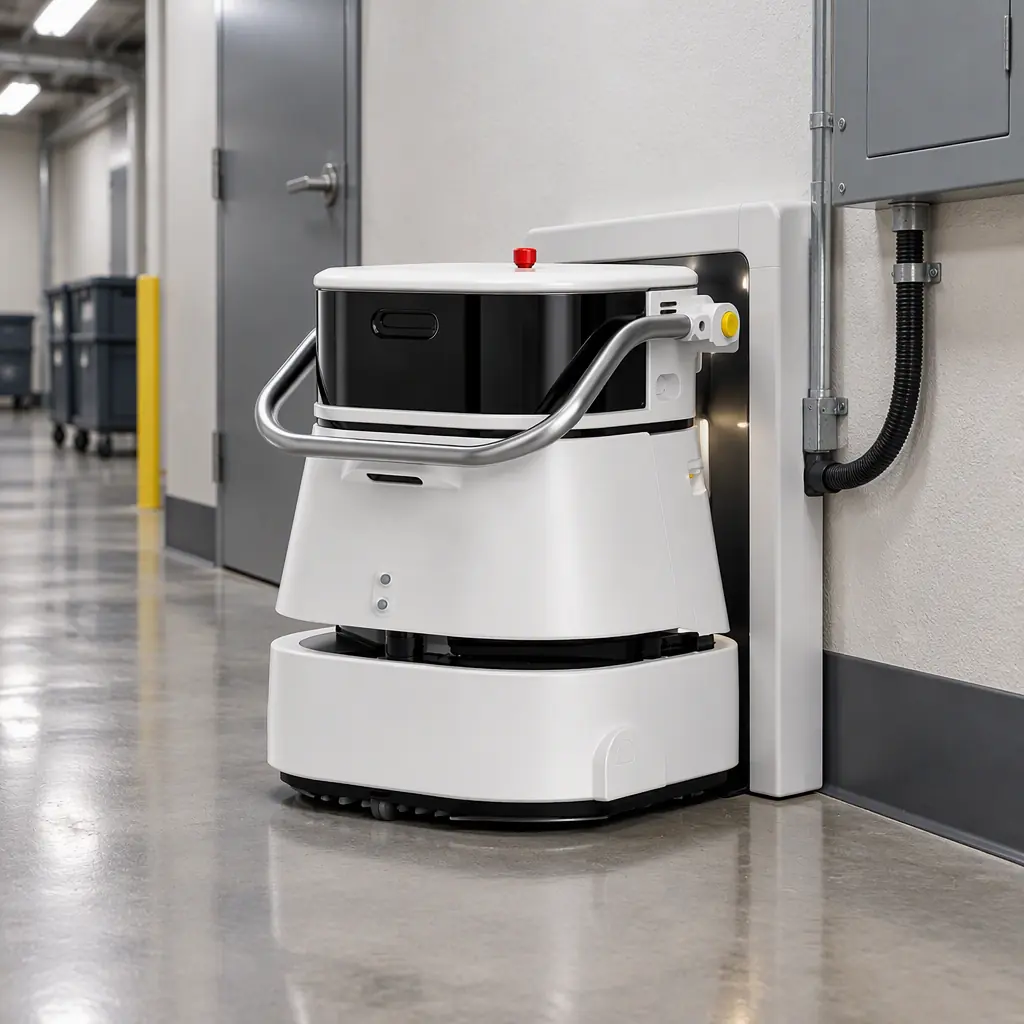
A fleet bought in the same quarter does not age at the same rate. Two identical units, one working a polished floor in a climate-controlled atrium and one working a loading dock in a coastal warehouse, will have materially different service lives despite identical purchase dates. A replacement schedule built on the calendar replaces healthy machines and keeps tired ones, in the same budget cycle.
Three factors drive the divergence.
Duty cycle. A unit running two cycles a day accumulates roughly twice the charge and discharge history of one running a single night shift. Cycle count, not years, is what consumes a battery.
Floor and environmental conditions. Abrasive grit, moisture, salt air and temperature swings accelerate wear on brushes, seals and drive components. A dock-area unit works harder per kilometre than a lobby unit.
Charge behaviour. Units left on the dock continuously, held at full charge in warm conditions, degrade faster than units that charge to a managed level and are cycled normally. Sites that think they are being careful by keeping machines topped up are often shortening their battery life. The mechanisms are covered in the battery and charging technology guide.
The practical consequence is that a replacement plan must be built per unit, from operating data, not per fleet from a purchase order.
The Battery Is the Clock
Battery capacity fades with use, and the fade is not linear. A typical lithium pack in this class holds most of its capacity for the first couple of years, then declines more steeply. By the point a unit reaches roughly 70 to 80 percent of its original capacity, the symptom that surfaces first is not a warning light. It is a unit that fails to finish its route, which shows up as an uncleaned zone and an overtime request rather than as a maintenance ticket.
The decision point is a comparison, not an absolute threshold.
| Battery capacity remaining | Typical operational symptom | Reasonable action |
|---|---|---|
| 100 to 90 percent | None | Continue, monitor trend |
| 90 to 80 percent | Slight route margin loss on long shifts | Reschedule zone order, add a mid-shift top-up |
| 80 to 70 percent | Missed route endings, mid-shift docks needed | Re-battery if the platform is otherwise sound |
| 70 to 60 percent | Cannot cover the shift without an extra charge | Compare re-battery cost against replacement |
| Below 60 percent | Productivity loss exceeds the cost of replacement | Replace, or redeploy to short-cycle light duty |
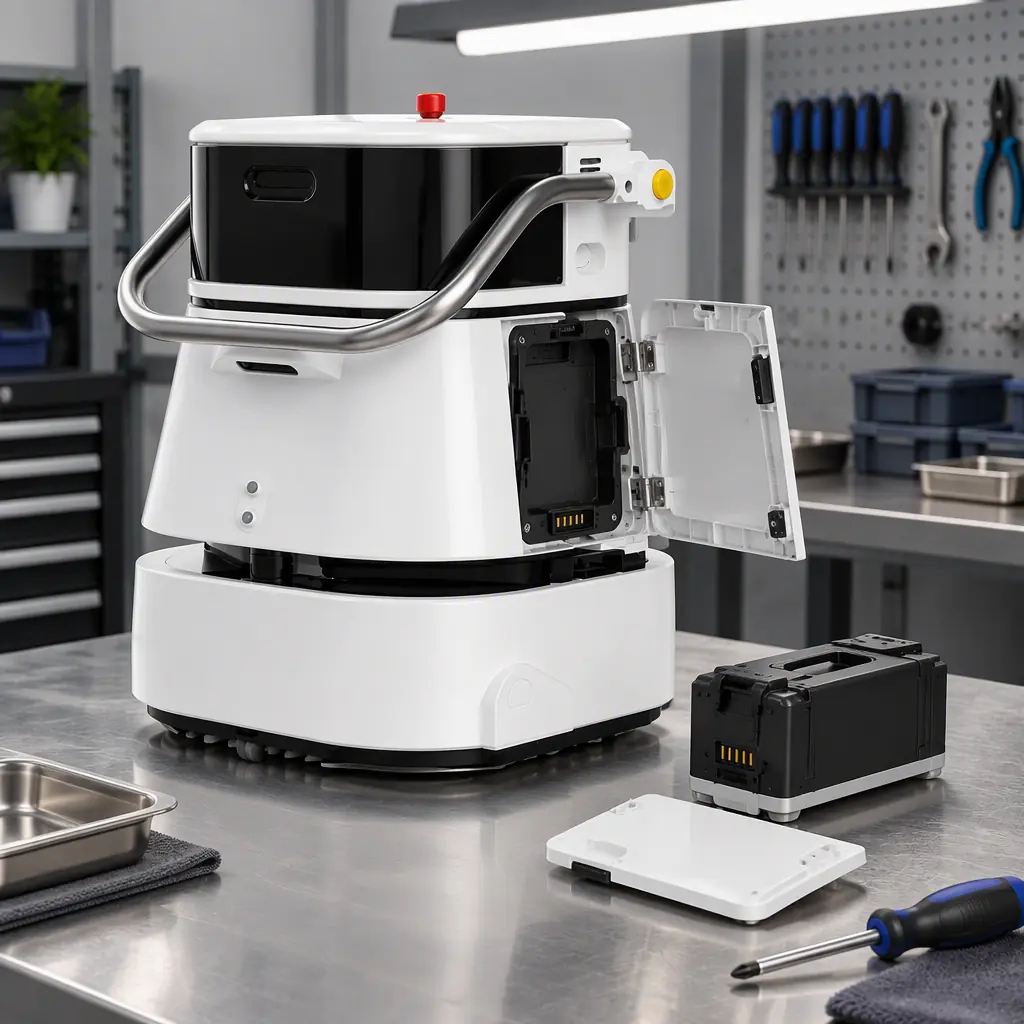
A re-battery is often the correct answer. If the chassis, drives and sensors are healthy and the firmware generation is still supported, a new pack restores most of the lost productivity at a fraction of a new unit. The mistake is re-batterying a unit whose software generation is about to fall out of support, which spends money on a machine that will still need replacing inside two years.
Replacement packs are a consumable in the fleet plan, not an emergency, and should be provisioned the same way. The spare parts and consumables planning guide sets out the lead times that make the difference between a planned re-battery and a stranded unit.
Firmware and Security End-of-Support
This is the trigger that generic equipment lifecycle advice misses entirely, and it applies to every networked robot.
A service robot is a computer with wheels. It runs navigation software, connects to a fleet platform, and often exposes a remote interface. When the vendor stops issuing security updates for a firmware generation, the machine does not stop working. It continues cleaning, quietly, while becoming a support and compliance liability.
For most commercial sites this is a management problem. For healthcare, government, financial and any site with a formal security policy, it is a compliance problem with a deadline attached.
Ask the vendor for the support window in writing. A reasonable answer names the firmware generation, the date security updates end, and the date the fleet platform will stop accepting that generation. If that information cannot be provided, treat the machine as unsupported from the date of the question.
Map support end against the replacement budget cycle. A unit whose security support ends in fourteen months needs to be in next year's capital plan, not the year after. Discovering the deadline during an audit leaves no room to plan the spend.
Check whether the platform accepts mixed generations. Some fleet platforms support several firmware generations at once, which allows a staggered refresh. Others require the whole fleet to move together, which turns a one-unit replacement into a full-fleet project. The integration implications are covered in the fleet software integration guide.
Cost per Effective Hour, The Comparison Metric
The keep-or-replace decision needs one number that both options can be expressed in. Cost per effective hour works, and it is straightforward to calculate.
Take all remaining costs of keeping the unit for another year, add the capital that would otherwise be committed to replacement amortised over its expected life, and divide each by the effective hours delivered.
| Line | Keep year 5 (current unit) | Replace with new unit |
|---|---|---|
| Annual maintenance | 2,740 | 1,800 |
| Battery provision | 6,500 (one-off) | Included |
| Downtime cost | 3,200 (rising failure rate) | 400 |
| Capital amortised | 0 | 9,000 per year over 5 years |
| Effective hours per year | 1,400 (capacity fade) | 1,850 |
| Cost per effective hour | 8.89 | 6.05 |
On this arithmetic replacement wins. Change the assumptions and the answer moves: a healthy battery and a short remaining horizon favour keeping, while a firmware deadline inside the comparison period favours replacing. The value of the method is that it makes the assumptions explicit, so the decision can be defended to whoever holds the budget.
Downtime is the line most often left out and the one that most often decides the outcome. The downtime cost and OEE framework gives the method for putting a figure on an ageing unit's lost hours, and the failure modes guide identifies which components fail first as a unit ages so the provision can be targeted rather than guessed.
When Should You Replace a Service Robot?
Replace when the battery cannot cover the shift even after a re-battery, or when firmware security support ends and the site has a security or compliance obligation. Calendar age alone is not a reason. For most commercial units on a single daily cycle this lands at five to seven years, but a heavy-duty unit in a harsh environment can reach the same point in three.
Building a Fleet Refresh Schedule
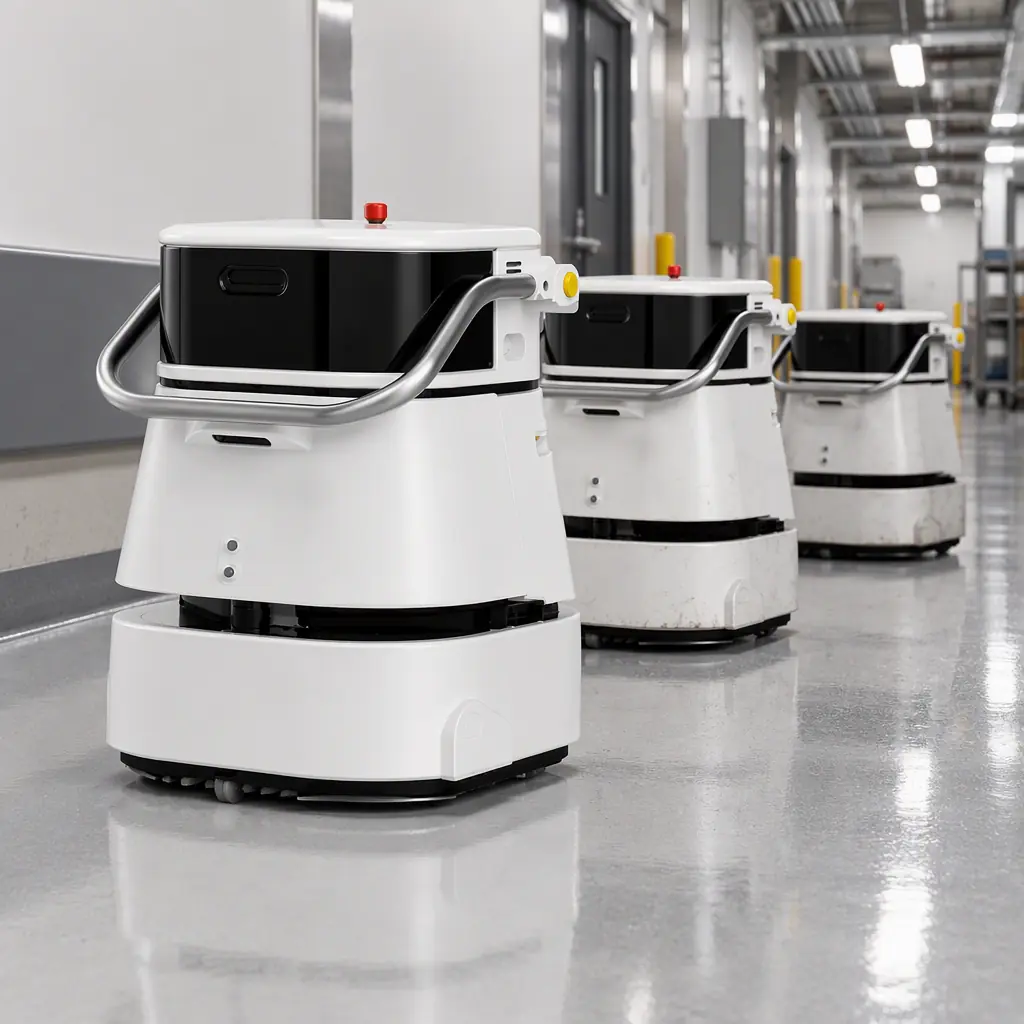
Replacing a fleet in one year is a budget shock and an operational risk, because the site loses a large fraction of its cleaning capacity at once. Staggering the refresh spreads capital and keeps experienced units in service while new ones are commissioned.
| Fleet of 12 units | Replace in year 4 | Year 5 | Year 6 | Year 7 |
|---|---|---|---|---|
| Units refreshed | 2 | 3 | 3 | 4 |
| Approx capital | 17 percent | 25 percent | 25 percent | 33 percent |
Two refinements make the schedule practical. First, pull the refresh forward for units working the harshest routes and push it back for climate-controlled light-duty units, using the battery trend as the deciding input. Second, align the refresh with contract renewal where the fleet supports a service contract, so the new units enter under the terms the site actually negotiated.
The route that avoids capital altogether for part of the fleet is the secondary market. A unit that is over-specified for a light-duty role can be sold or traded rather than retired, and the refurbished and secondary market guide covers what resale value to expect and how condition is assessed. Where the site bought on a subscription rather than an outright purchase, the refresh decision belongs to the provider and the operator's task is simply to specify the performance the contract must deliver.
Measuring What Matters Before the Decision Arrives
None of this works without data, and the data is inexpensive to collect. Log battery capacity at the end of each shift, record every missed route, and track charge-cycle count per unit. Those three series, plotted across twelve months, predict the replacement date far more accurately than any calendar, and they turn the replacement conversation from an opinion into a projection.
Compare the projections against the 2026 KPI benchmark bands to see which units are falling away from the fleet average, and set the trigger for a replacement review on that divergence rather than on an anniversary. The total cost of ownership model behind the numbers is set out in the maintenance and TCO guide, which is worth reading alongside this page when building the five-year plan.
AOMAN's units are designed for serviceability across their life, with replaceable battery packs and documented support windows from the current generation. The C2 Pro compact cleaner and the wider cleaning robot range are specified so that a mid-life re-battery returns a unit to full shift coverage rather than acting as a stopgap before replacement.