Connecting Cleaning Robots to BMS and Occupancy Sensors, The Integration Layer Most Deployments Skip
At a glance: Most cleaning-robot deployments treat the robot as a standalone machine with its own schedule. The facilities that get the largest return connect it to the building, occupancy sensors decide when, BMS decides where the boundaries are, and the robot decides how. This guide covers the four integration patterns, the protocols involved, and what the integration actually costs.
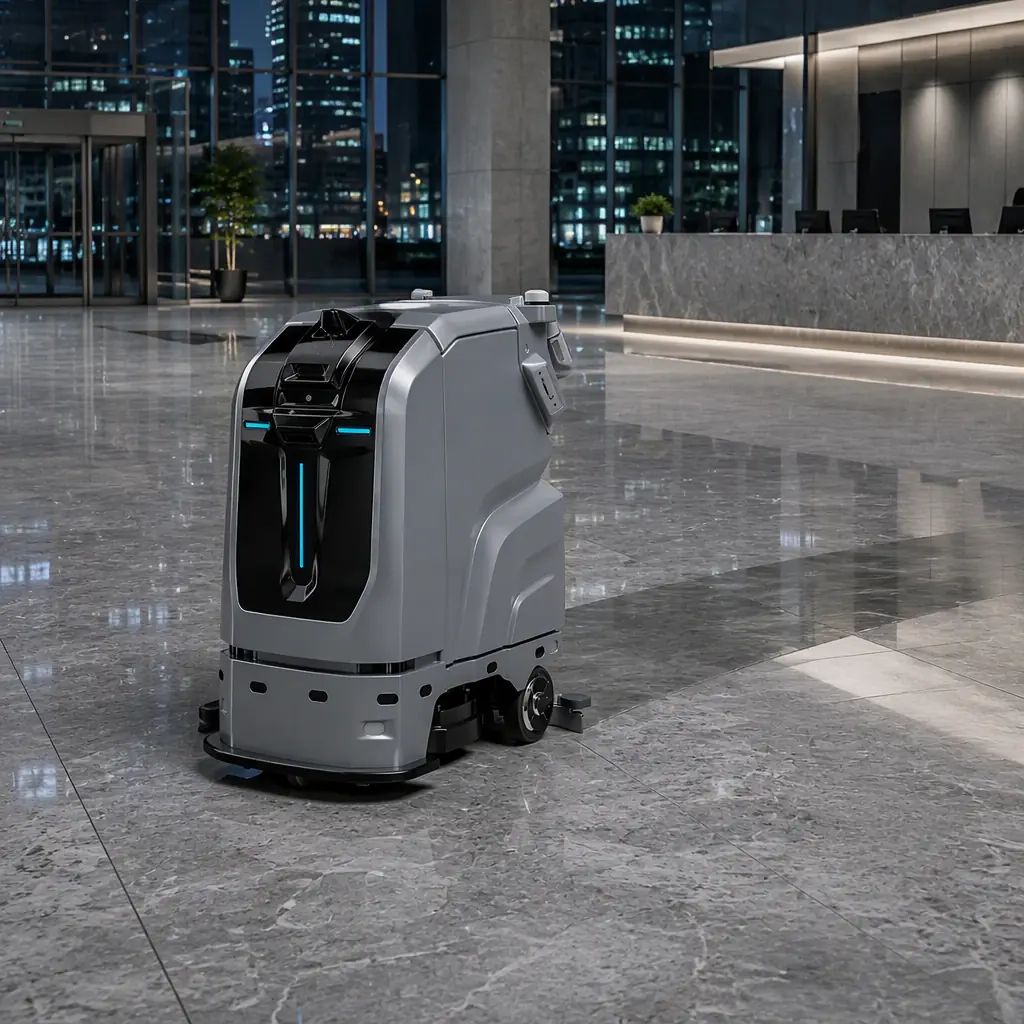
A facilities director runs a pilot with four scrubber units. Six months later the review finds the number everyone feared: the robots cleaned an average of 61% of their scheduled hours on floors that were already empty, and sat idle, or worse, cleaned around people, during the actual peak traffic windows. Capacity was not the problem. The robots were capable of roughly 2,040 m²/h each, more than enough. The problem was that the robots were running on a fixed clock while the building ran on a variable occupancy curve.
That gap is what building integration closes. A robot that knows the building's real-time occupancy can shift its cycle to the window between 06:00 and 08:00 instead of the window between 03:00 and 05:00. A robot that knows the BMS has flagged zones 3 and 4 as under renovation stops routing through them. A robot whose completion status feeds back into the BMS work-order queue generates a verifiable cleanliness record instead of a clipboard.
Why a Standalone Robot Schedule Wastes 30–40% of Available Capacity
Fixed schedules are the default because they are easy: one route, one time, every night. They are also structurally misaligned with how buildings are actually used. Consider the arithmetic at a typical 12-floor office tower with 190,000 sq ft of cleanable floor area, a lobby, and a three-level parking structure.
Peak occupancy runs roughly 08:30 to 18:30 on weekdays. Off-peak windows are 19:00 to 07:30 on weekdays and most of the weekend. A fixed 02:00-to-06:00 schedule uses only four of the roughly twelve available off-peak hours per weekday, about 33% of the idle window, and it concentrates all cleaning into a four-hour block. When a unit faults at 03:40, there are no remaining hours in the schedule to absorb the missed coverage; the floor simply does not get cleaned that night.
An occupancy-driven schedule spreads the same work across the full 12-hour window and absorbs faults without operator intervention. In pilot data reported across office, retail, and healthcare deployments, occupancy-aware scheduling typically lifts effective cleaning coverage by 30–40% with no additional robots. The gain comes entirely from removing the fixed-clock constraint, which is the same conclusion reached in the broader fleet management analysis.
The Four Integration Patterns, From Cheapest to Most Capable
Integration is not one thing. It is a ladder, and most facilities should climb only as far as their operational pain justifies. Each rung adds capability and adds cost.
| Pattern | What the Robot Knows | Typical Effort | When It Pays |
|---|---|---|---|
| 1. Time-based (no integration) | Nothing, fixed route and clock | None | Single building, stable occupancy curve |
| 2. Calendar / booking integration | Booked events, holiday calendars, retail hours | 2–5 days (iCal, REST) | Multi-tenant buildings with varied tenant hours |
| 3. Occupancy sensor feed | Which zones are empty right now | 1–3 weeks | Peak/off-peak swing > 3x, mixed-use floors |
| 4. Full BMS / BAS integration | Occupancy, HVAC state, security zones, work orders, energy windows | 4–10 weeks | Portfolios, LEED/energy targets, audited cleaning records |
Pattern 2, calendar integration is the cheapest meaningful step and the one most facilities skip straight past. A building with eight tenants on different operating hours does not need sensors to know that tenant A's suite is empty on Fridays; the lease schedule already knows. Pushing a tenancy calendar into the robot's scheduler through an iCal feed or a simple REST endpoint captures most of the available gain for a fraction of the effort.
Pattern 3, occupancy sensor feed is where the return curve steepens. Most commercial buildings already have occupancy data: PIR or ultrasonic sensors on lighting circuits, desk-booking systems, people-counters at entrances, or access-control badge events. These sensors were installed for lighting and security, but the data they produce is exactly what a robot scheduler needs. The integration question is not "do we need to buy sensors?" but "can we read the sensors we already own?"
Pattern 4, full BMS integration connects the robot fleet to the building automation system as a managed subsystem. This is where the deployment stops being a cleaning purchase and becomes a building operations upgrade, and it is the level at which most of the compounding benefits appear.
Protocols: What You Will Actually Be Asked to Connect To
The word "BMS" covers several generations of technology, and what your integration team can actually touch depends on the building's age and vendor. This is the layer where deployments stall, so it is worth understanding before the vendor conversation starts.
| Protocol | Typical Age / Vendor | How a Robot Integrates | Difficulty |
|---|---|---|---|
| BACnet/IP | Modern commercial BAS (Honeywell, Johnson Controls, Schneider) | Robot management platform acts as a BACnet client; polls occupancy objects, writes status back | Moderate, needs a BACnet gateway or licensed client |
| Modbus TCP | Industrial, plant rooms, older subsystems | Register-level read/write via middleware; common in factories and warehouses | Low to moderate |
| REST / JSON APIs | Modern sensors, desk booking, access control, IoT platforms | Direct HTTPS calls; robot platform subscribes to occupancy webhooks | Low, the easiest modern path |
| MQTT | IoT sensor networks, smart-building overlays | Robot platform subscribes to topic streams for zone state | Low |
| Proprietary / legacy serial | Pre-2010 BMS, vendor-locked systems | Usually requires a vendor-licensed gateway; sometimes not feasible | High, budget accordingly |
The practical recommendation is to ask for the building's point list before quoting the project. A BMS point list enumerates every addressable object in the system, occupancy sensors, HVAC zones, lighting groups, door contacts. If the point list exists and the system speaks BACnet/IP or exposes a REST API, integration is a known-scope engineering task. If the building is running a proprietary serial system from 2007 with no gateway, the honest answer is that Pattern 2 or 3 with a parallel sensor overlay is a better use of budget than fighting the legacy system.
What the Robot Sends Back: Closing the Loop Into Work Orders
Most integration discussions focus on the inbound direction, how the robot learns about occupancy. The outbound direction is where the operational value compounds, and it is routinely neglected.
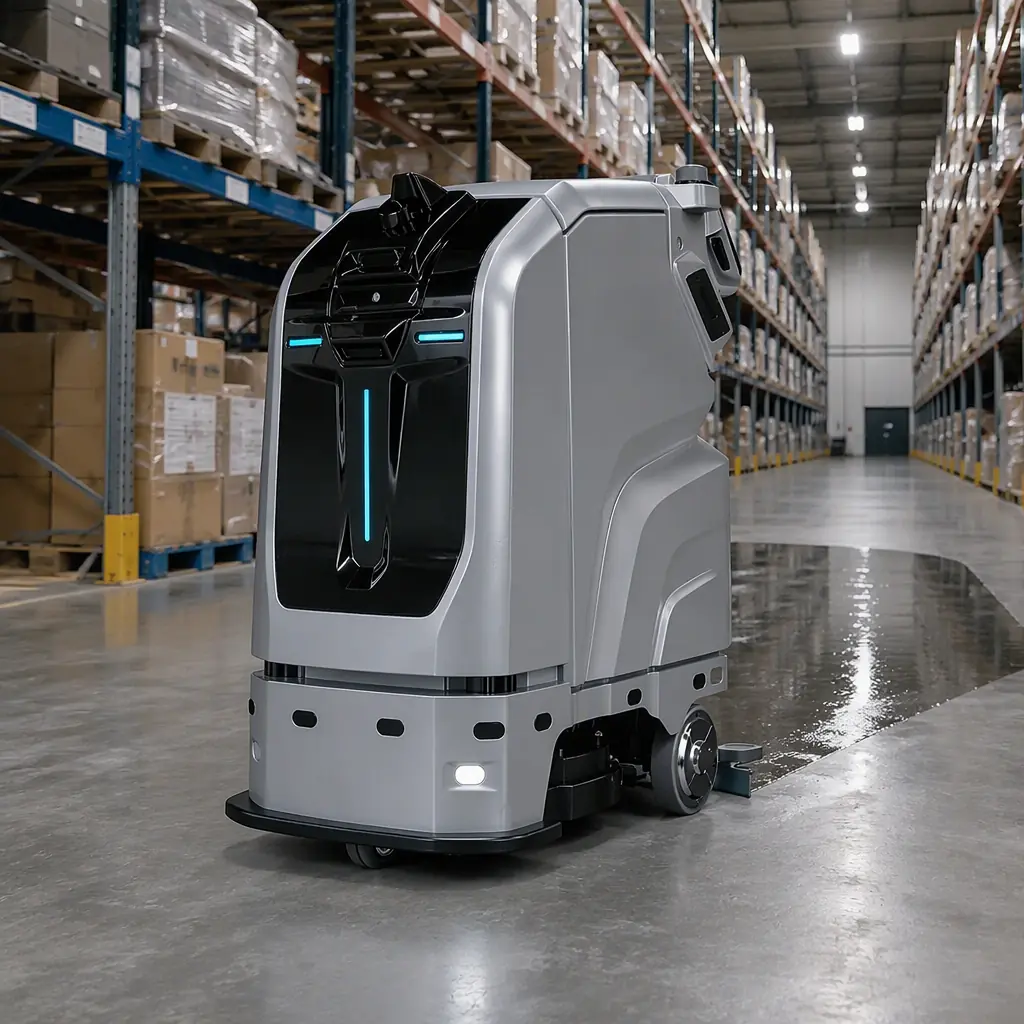
A cleaning robot generates a detailed telemetry stream: coverage polygons with timestamps, metres scrubbed, water and detergent consumption, battery cycles, fault events, and blocked-route exceptions. Pushed into the BMS or a CMMS as structured events, that stream changes the nature of facilities reporting in three concrete ways.
Verifiable coverage records. Instead of a signed checklist, the building has a machine-generated polygon map showing exactly which square metres were cleaned at what time. For facilities under service-level agreements with penalties, this converts a disputed claim into a data query. The same record supports the ATP surface-testing methodology described in the campus deployment review, where cleanliness is measured rather than asserted.
Blocked-route exceptions as maintenance signals. When a robot repeatedly fails to complete the same segment, the cause is usually physical, a damaged floor section, a permanently obstructed corner, a door that no longer opens on schedule. Routed into a work-order queue, that exception becomes a facilities ticket rather than an unexplained coverage gap.
Consumable and fault data as predictive maintenance. Battery capacity trends, squeegee wear indicators, and brush-motor current draw all degrade measurably before failure. Feeding those trends into the asset register means replacement parts are ordered on a schedule rather than after a breakdown. The cost model for this is set out in the maintenance and TCO guide.
Energy-Window Coordination: The Benefit Nobody Plans For
Buildings with demand-charge tariffs or on-site generation have a further constraint that most cleaning schedules ignore entirely: the cost of electricity varies by hour, sometimes by a factor of three or more. A building on a time-of-use tariff with a peak demand charge pays substantially more for the same kilowatt-hour consumed at 17:00 than at 02:00.
Cleaning robots are unusually flexible loads. A C1 scrubber charging cycle can shift by hours with no operational consequence, provided the fleet still has enough charged capacity for the next cleaning window. Wired into the BMS energy-management layer, the fleet can charge preferentially in low-tariff windows and defer or throttle charging during demand peaks. Several kilowatts of controllable load per unit, for a fleet that may number a dozen or more, which is meaningful against a demand charge.
This is a genuine information-gain opportunity that almost no cleaning-robot vendor addresses because it requires a BMS integration to exist first. It is also one of the strongest arguments for climbing to Pattern 4: the same integration that improves cleaning coverage also converts the fleet into an energy-management asset. Buildings pursuing LEED or other certification can count controllable load shifting toward demand-response credits.
Security, Privacy, and the Data Boundary
An occupancy-sensor feed is aggregate, non-identifying data, and integrating it carries minimal privacy exposure. Camera and people-detection data is a different category entirely, and facilities should set the boundary explicitly before integration begins.
The defensible default is that the robot platform receives zone-level occupancy states . Empty, occupied, cleaning-in-progress, and never receives video frames, badge identities, or individual tracking data. Sensors that perform people-counting locally and publish only a count preserve this boundary cleanly. Where the robot's own cameras are used for navigation, those frames should remain on the device or in a separate, access-controlled store with a defined retention period, which is the architecture examined in the security and privacy review.
The integration contract should also specify the failure mode. If the occupancy feed goes down, does the robot revert to its fixed schedule, stop, or continue on last-known state? For most commercial buildings the correct answer is revert-to-schedule, because an unoccupied building still needs cleaning, and a stopped fleet is a harder operational failure than an inefficient one.

Integration Cost: Realistic Ranges
Integration cost is the least transparent part of a cleaning-robot quote, which is why it deserves a line item of its own. The ranges below reflect typical commercial buildings; a single-tenant facility with a modern REST-capable sensor stack sits at the low end, and a multi-building portfolio with hybrid protocol stacks sits at the high end.
| Cost Component | Typical Range | Notes |
|---|---|---|
| Occupancy sensor overlay (if not already present) | $40–$120 per zone | Only needed when no usable sensor data exists |
| Protocol gateway / middleware | $2,000–$9,000 one-time | BACnet or Modbus gateway, or an IoT broker |
| Integration engineering | 60–220 hours | Driven by protocol mix and point-count complexity |
| BMS vendor coordination fee | $0–$6,000 | Legacy systems frequently charge for API or gateway access |
| Ongoing platform licence (integration module) | $1,200–$5,000 per year | Often bundled into the fleet management subscription |
Against that cost, the return comes from three places: the 30–40% coverage gain that defers one or more additional robot purchases, the labour reduction from removing a manual monitoring layer, and, in buildings with demand charges, the energy-window benefit. For a mid-size deployment the coverage gain alone usually covers the integration cost inside the first year, and the calculation follows the same structure as the broader ROI model. Where funding needs to be structured as operating rather than capital expense, a RaaS contract can wrap the integration into the monthly fee.
Choosing the Right Level: A Four-Question Decision
Question 1. Does occupancy swing by more than 3x between peak and off-peak? If not, a fixed schedule is genuinely adequate and integration is over-engineering. Single-shift industrial facilities and 24-hour operations should stop here.
Question 2, Does the building already produce occupancy data? If yes, Pattern 3 is available at low cost and should be evaluated before buying anything new. If no, weigh a sensor overlay against the coverage gain it unlocks.
Question 3, Is the BMS modern enough to talk to? BACnet/IP or a REST API means Pattern 4 is a scoping exercise. Legacy proprietary systems usually mean Pattern 2 or 3 is the practical ceiling.
Question 4, Are you audited? If the facility is subject to SLA penalties, health-department inspection, or certification requirements, the outbound telemetry loop is not optional, verifiable records are the point.
Most commercial deployments land on Pattern 3 with selected elements of Pattern 4: occupancy-aware scheduling, exception and coverage telemetry into the CMMS, and energy-window charging where tariffs justify it. That combination captures the large majority of the available return without committing to a full BAS integration programme.
Tell us your building type, floor area, and whether the BMS exposes a point list or a REST API. We will help you scope which integration pattern is worth implementing and what the fleet configuration should look like. Contact us.