
Custodial Robot Management Software, How to Evaluate Platforms Before You Buy
At a glance: The software layer decides whether a robot fleet is a managed operation or a set of standalone machines. This guide covers what a custodial robot management platform must do, the six capabilities that separate usable platforms from demonstration software, the hardware-lock question every buyer should ask, and realistic licence costs.
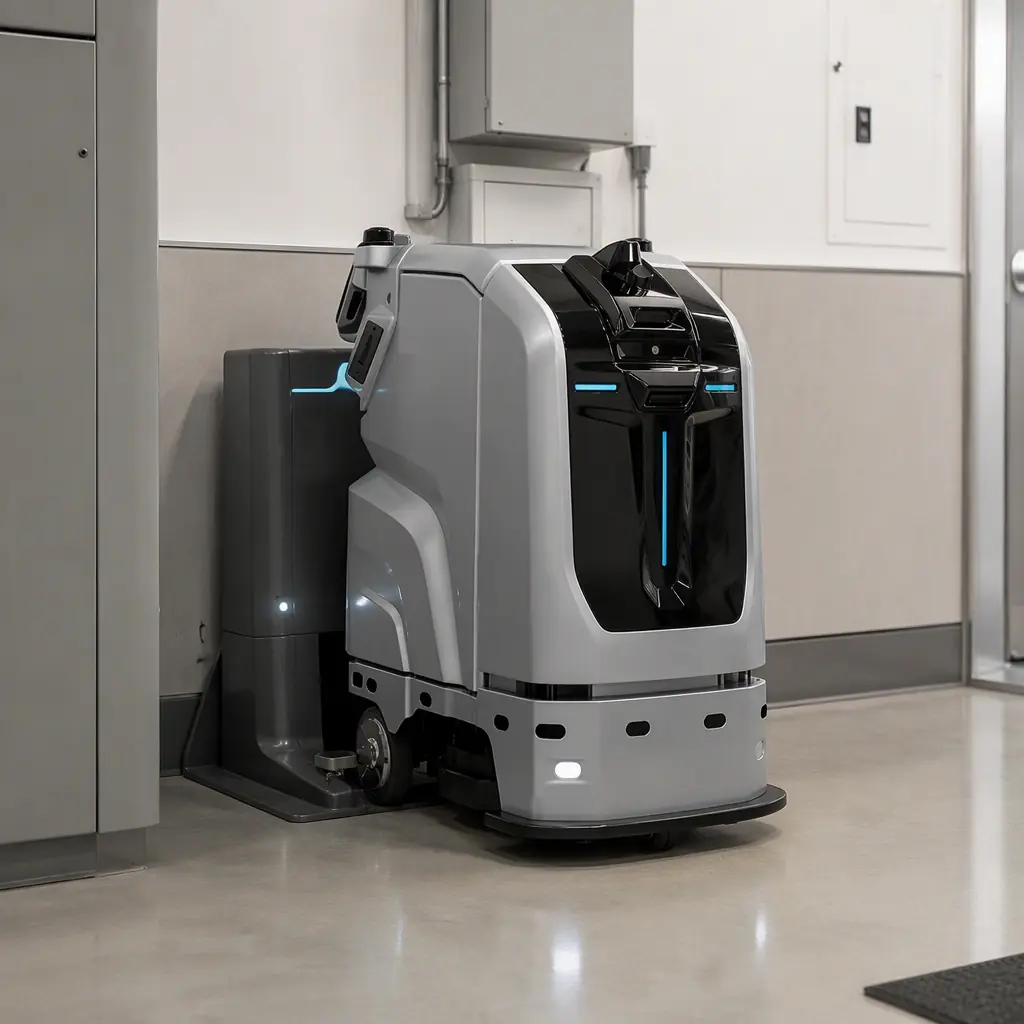
There is a specific moment in most robotics procurements when the evaluation shifts from the machine to the software. It usually arrives when the buyer realises that a single robot is a tool, but a fleet is an operation, and operations need scheduling, dispatch, verification, and reporting that no individual machine provides. The question "what software manages autonomous cleaning robots?" is therefore the right question to ask, and it is asked far less often than the hardware questions that dominate the RFP.
The consequence of skipping it is predictable. Facilities acquire capable robots and then manage them with spreadsheets, manual coordinator check-ins, and vendor-specific mobile apps that do not talk to each other. Coverage gets verified by walking the floor. Faults get discovered when a unit is found stopped in a corridor. The fleet exists, but it is not managed.
What a Management Platform Actually Does
It is worth being precise about the boundary, because vendors use "platform" loosely. A robot management platform sits above the individual machines and performs five functions no single robot performs for itself.
1. Multi-unit scheduling and dispatch. Assigning work to units, sequencing routes, and rebalancing load when a unit fails or a zone is blocked. One scrubber works through its own route; a fleet needs someone deciding which unit takes which zone and in what order.
2. Coverage verification and reporting. Producing evidence that the floor was cleaned, with timestamps and geometric coverage. This is the function that converts cleaning from a claim into a record, and it is the single feature most missed by buyers who select on hardware specification alone.
3. Real-time state visibility. Location, battery, task status, and fault state for every unit in the fleet, in one view rather than in five vendor apps.
4. Integration surface. Connections to the building systems, ticketing platforms, and identity providers the facility already runs, a topic covered in depth in our guide to BMS and occupancy sensor integration.
5. Analytics and cost attribution. Cost per square metre cleaned, utilisation by unit, area coverage against contracted scope, and the data needed to justify the next fleet decision.
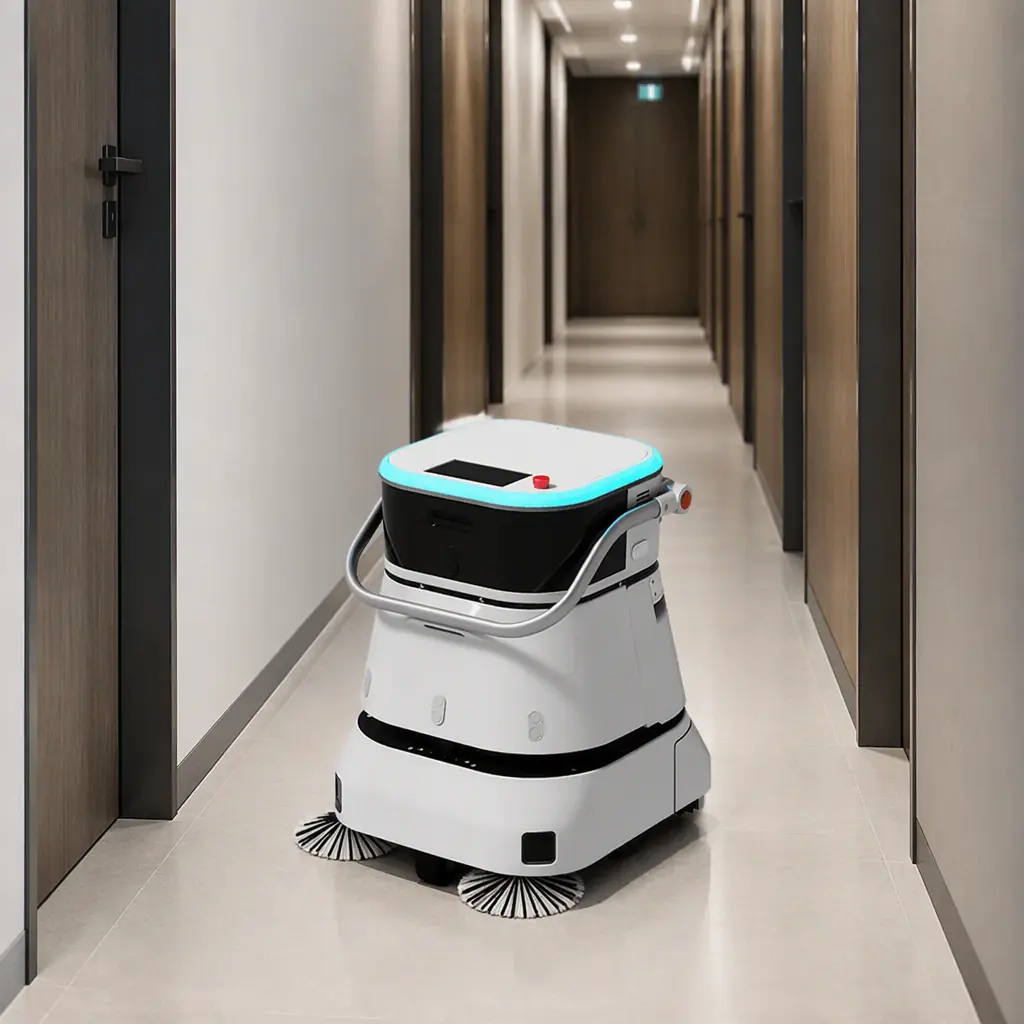
Six Capabilities That Separate Real Platforms From Demos
Every platform demonstrates well in a controlled pilot. These six capabilities are the ones that determine whether it survives contact with a real building.
| Capability | Why It Matters | What to Test |
|---|---|---|
| Failure recovery without a human | Robots get stuck. A platform that requires a person to walk to the unit and clear it is not managing anything. | Block a route mid-task. Does the platform reroute, reassign, or just alarm? |
| Zone-level coverage mapping | “Cleaned last night” is not evidence. A coverage polygon is. | Export coverage for a specific zone and date. Can you hand it to a client? |
| Multi-vendor unit support | Facilities accumulate robots from more than one supplier over time. | Ask for the list of supported makes and the integration mechanism. |
| Role-based access | Building staff, contractors, and the client need different levels of visibility. | Create a read-only client login. How granular is the permission model? |
| Auditable event log | SLA disputes, insurance claims, and incident reviews all require a tamper-evident history. | Can you export an immutable event timeline for a specific date? |
| Offline resilience | Wi-Fi drops. A platform that stops dispatching when connectivity blips is fragile. | Disconnect a unit's network link. What happens to its task and to the record? |
Failure recovery is the capability that most cleanly separates categories. A monitoring dashboard tells you a unit is stuck. A management platform resolves it, reassigning the remaining route to an available unit and queueing the blocked zone for a later pass, without waiting for a human. The distinction is between software that reports the operation and software that runs it.
Coverage mapping deserves separate emphasis because it is where the commercial value concentrates. A platform that can export a dated, zone-specific coverage polygon turns a cleaning contract from a relationship built on trust into a service backed by measurement. Facilities competing for contracts increasingly find that this evidence is what wins renewals, and the operational pattern mirrors what we documented in the campus deployment review where ATP surface testing replaced visual inspection.
The Hardware-Lock Question Every Buyer Should Ask Early
The most consequential question in a platform evaluation is not on most RFP templates: does this software manage robots from other manufacturers, and if not, what does that mean for us in five years?
Software that only manages its own vendor's hardware is a reasonable engineering choice and a significant commercial risk for the buyer. It means every future capacity decision is a decision about one supplier. It means a mixed fleet, which arises naturally when a facility expands into a new building with different requirements, cannot be scheduled as a single operation. And it means the exit cost of switching vendors includes the entire management layer, not just the machines.
There are three practical positions, and buyers should know which they are accepting:
Closed platform. Manages only its own hardware. Simplest to operate, highest lock-in. Acceptable for a single-vendor, single-site deployment with no expansion plans; risky for portfolios.
Open protocol support. Manages its own hardware directly and third-party units through a published API or a standard such as VDA 5050 in the AMR space. This is the middle ground most multi-site operators should target.
Vendor-neutral orchestration. Software independent of any robot manufacturer, integrating through vendor APIs. Maximum flexibility, and the configuration that most reliably survives a change of hardware supplier.
The honest question to put to a vendor is not "are you open?": every vendor says yes. But "show me a deployment where you schedule a competitor's robots alongside your own." A demonstrated reference is the only credible answer.

Scheduling Logic: What the Platform Optimises For
Two platforms with identical feature lists can produce very different operational results depending on what their scheduler optimises. Buyers should ask directly, because the answer determines which metrics improve.
Coverage-first scheduling prioritises completing the mapped scope. It maximises the percentage of floor cleaned per cycle and is the right objective when the constraint is contracting scope or audit compliance.
Energy-first scheduling prioritises charging in low-tariff windows and minimising consumption per square metre. It matters in buildings with demand charges or sustainability targets, and it pairs naturally with the energy coordination described in the BMS integration guide.
Wear-levelling scheduling balances hours and cycles across units so that no single robot reaches end-of-life first. This is the least discussed and most financially significant objective for a fleet of ten or more units, because uneven utilisation means uneven replacement timing and a lumpier capital profile.
Occupancy-aware scheduling shifts work into genuinely empty windows. It requires an occupancy input, which is a building integration rather than a robot feature. The reason software selection and building integration should be scoped in the same project.
Most mature platforms let you weight these objectives. The evaluation question is whether the weighting is configurable per site, since a retail portfolio and a hospital campus do not want the same optimisation.
Reporting: The Metrics That Matter to Each Stakeholder
A platform produces dozens of metrics. Four of them do the actual work of justifying the deployment, and each answers a different stakeholder's question.
| Metric | Stakeholder | What It Answers |
|---|---|---|
| Cost per m² cleaned | Finance / facilities director | Is this cheaper than the previous method, per unit of verified work? |
| Fleet utilisation (%) | Operations manager | Are we buying robots we do not need, or running the ones we have into the ground? |
| Coverage compliance (%) | Client / contract owner | Did we deliver the contracted scope, verifiably, this period? |
| Mean time between interventions | Service and maintenance | Is reliability improving or degrading, and where should the next service visit go? |
Cost per square metre cleaned is the metric that ends the labour-versus-robot debate, because it expresses both sides in the same unit. The comparison methodology and the cost components to include are set out in the ROI model; the platform's job is to supply the numerator and denominator automatically rather than requiring a quarterly spreadsheet exercise.
Fleet utilisation is where most deployments discover they have over-bought. A fleet running at 40% utilisation is not an argument for fewer robots. It is often an argument for occupancy-aware scheduling, which can lift utilization substantially before any hardware decision is warranted. The scaling logic is examined in the fleet architecture analysis.

What a Platform Licence Actually Costs
Software pricing in this category is inconsistently disclosed, so buyers should expect to ask directly and to receive quotes in different units. The ranges below are for evaluation budgeting, not quotations.
Per-robot subscription: commonly $30–$120 per robot per month for core fleet management. This is the most common model and scales linearly with fleet size.
Per-site subscription: often $200–$900 per site per month regardless of fleet size, which favours larger fleets and penalises small pilots.
Enterprise / portfolio agreements: negotiated annually, typically with a floor commitment and tiered volume pricing. Multi-site operators should push for a portfolio agreement rather than per-site contracts, both for cost and for single-pane reporting.
Integration modules: BMS, CMMS, and access-control connectors are frequently priced separately at $1,200–$5,000 per year, which is worth confirming at proposal stage rather than at implementation.
A fleet of twelve robots on a per-robot subscription therefore runs roughly $4,300–$17,300 per year in platform cost. Set against the labour budget of a building of that size, the licence is a small fraction of the total. But it is the layer that determines whether the labour saving is measurable. Where hardware and software are financed together, the whole stack can be structured under a RaaS agreement, which avoids the awkward situation of a capital purchase whose management layer is an operating expense line nobody budgeted for.
Evaluation Scorecard: Twelve Questions to Put in the RFP
For buyers building a formal procurement, the questions below map onto the capabilities above and are designed to produce answers that separate platforms.
Architecture. 1. Where does the platform run. Vendor cloud, your cloud, or on-premise? 2. What happens to fleet management during a vendor outage? 3. Is there a documented offline/resilience mode?
Operations. 4. What is the automatic failure-recovery behaviour on a blocked route? 5. Can scheduling objectives be weighted per site? 6. What is the smallest and largest fleet the platform has run in production?
Integration. 7. Which BMS protocols and CMMS platforms are supported out of the box? 8. Is there a published API with documentation available before contract signature? 9. Can the platform schedule third-party robots, and can you provide a reference?
Commercials and exit. 10. What is the exact licence unit and the forecast cost at three times current fleet size? 11. What data can you export on termination, and in what format? 12. Is historical coverage data retained if we change platforms?
Questions 10 through 12 are the ones most often omitted and most costly to discover later. Data portability on exit and cost at scale are the two terms that determine whether a platform decision remains a good decision in year three.
Tell us your fleet size, building types, and the systems the platform will need to talk to. We will help you scope the software layer alongside the hardware, so the deployment is manageable from day one rather than retrofitted afterward. Contact us.