
Service Robot Preventive Maintenance Schedule, Interval Arithmetic That Holds
At a glance: A maintenance calendar copied from a manual produces either wasted visits or avoidable failures, depending on how hard the fleet works. This guide builds the interval from duty cycle arithmetic, then layers condition triggers on top so the schedule tracks the machine rather than the year.
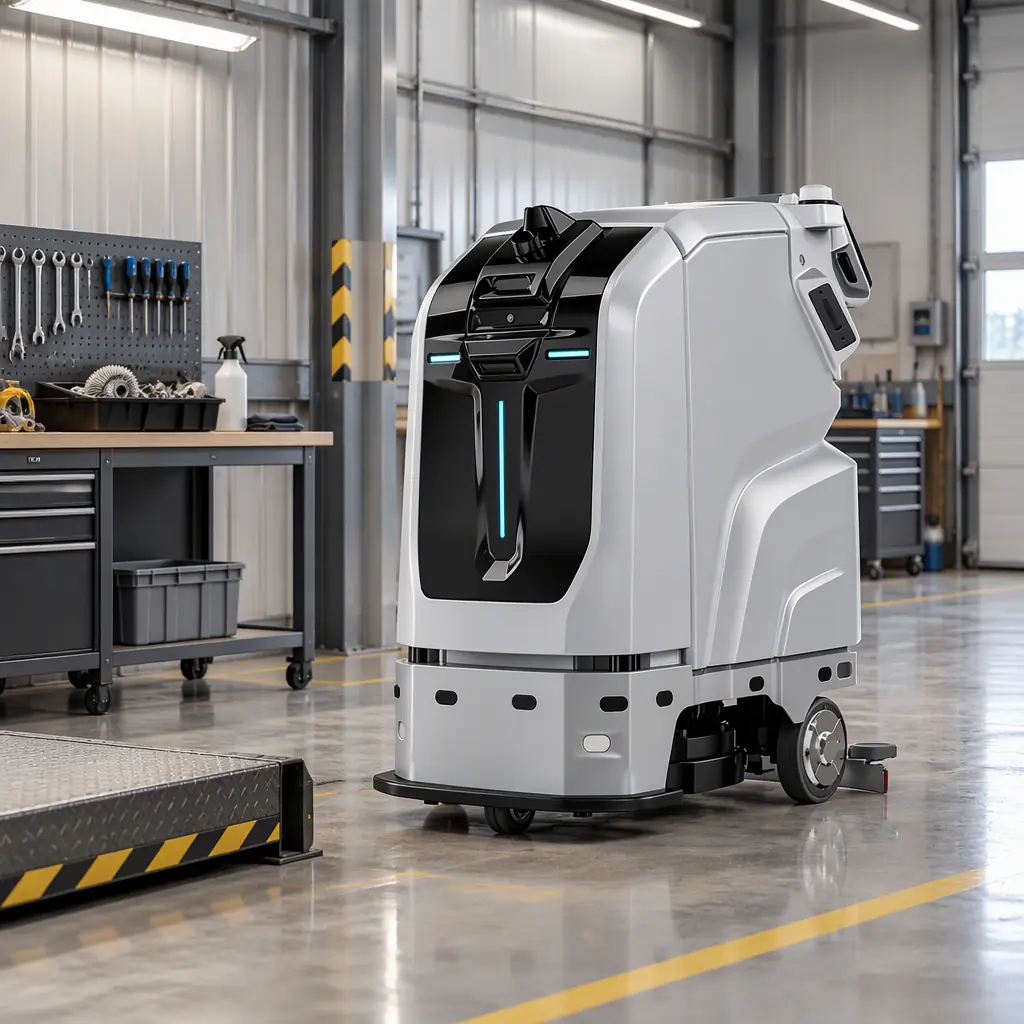
Two Ways to Get the Interval Wrong
Service robot maintenance schedules fail in one of two directions. Set the interval from a generic manual and a lightly used machine receives visits it does not need while a heavily used one fails between them. Set it from operating hours alone and a machine sitting in a corrosive or dusty environment fails on a component that hours do not stress.
The fix is to build the base interval from duty-cycle arithmetic and then add condition triggers that can shorten it. The arithmetic below uses a specific fleet case: three compact scrubbers on a nightly route, 4.5 operating hours per night, 300 nights per year. That is 1,350 operating hours per machine per year, and it is the number from which every component interval derives.
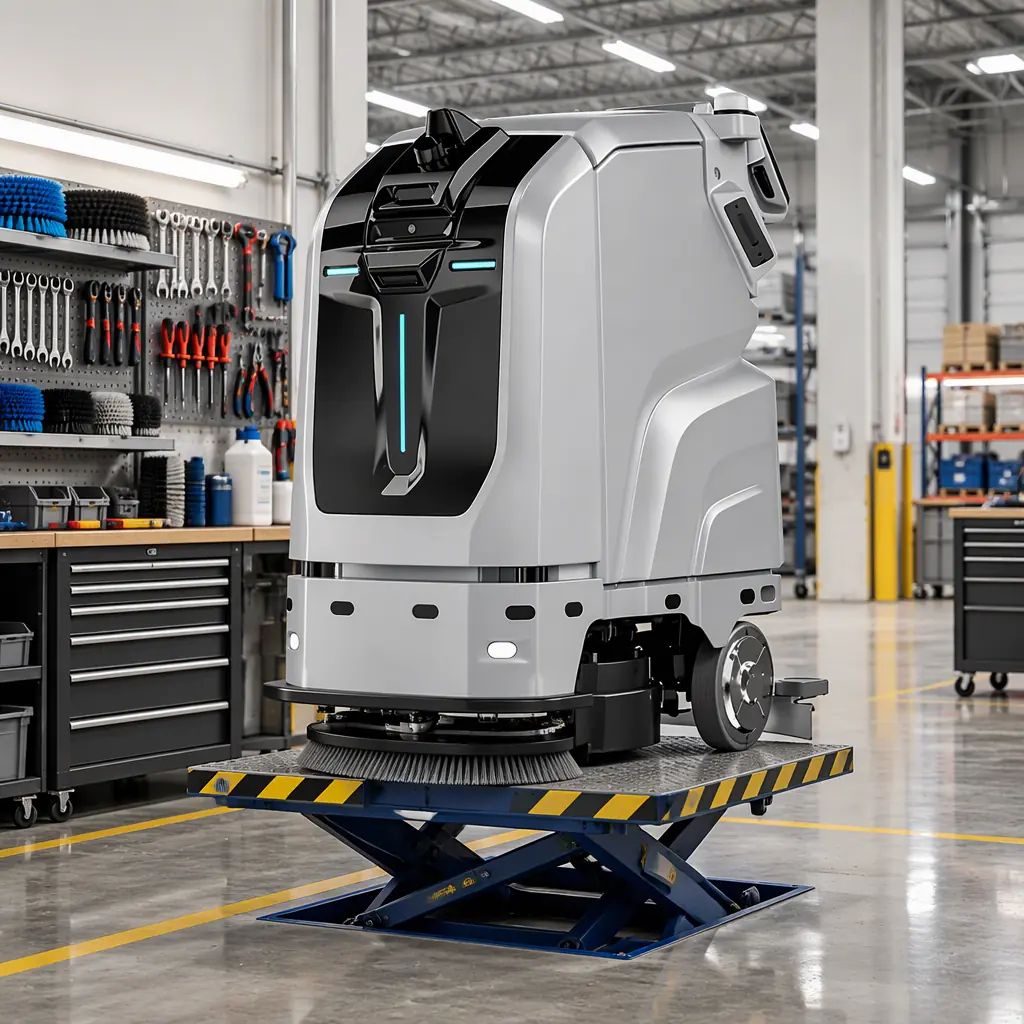
Building the Base Interval From Duty Cycle
The key insight is that different components age on different clocks. Some age on operating hours, some on charge cycles, some on calendar time regardless of use, and a few on environment. Sorting components into those four clocks prevents the common error of applying a single interval to all of them.
| Component | Ageing clock | Interval on this duty cycle |
|---|---|---|
| Main brush | Operating hours | Email inspection every 150 h; replace at 1,000-1,400 h |
| Squeegee blades | Operating hours | Replace at 500-700 h |
| Filter set | Operating hours + dust | Clean weekly; replace at 600-800 h |
| Drive wheels | Operating hours + floor abrasion | Inspect at 900 h; replace at 2,000-3,000 h |
| Battery pack | Charge cycles + calendar | Capacity test at 500 cycles, then annually |
| Navigation sensors | Calendar + environment | Clean monthly; recalibrate annually |
| Wheel encoders | Operating hours | Verify drift at 700 h |
| Charging contacts | Calendar + cycles | Inspect quarterly; dress annually |
| Seals and gaskets | Calendar | Inspect annually regardless of hours |
On 1,350 hours per year, that table produces a very different calendar from the manual's default. The main brush lands at roughly one replacement per year. Squeegee blades land at two per year. Filters land at two sets per year. Drive wheels are a two-year item. Navigation sensor recalibration is annual. Only the seals and gaskets follow the calendar alone, and they are the components most often skipped because nothing appears wrong.
Converting Hours to a Visit Schedule
Interval arithmetic does not schedule visits by itself. Group tasks by when they can practically be performed, and the schedule collapses into something a single technician can execute.
Nightly, by the operator, in under four minutes
Empty and rinse the recovery tank, rinse the brush deck, wipe the sensor windows with a microfibre cloth, check the charging contacts made contact, and confirm the robot's own end-of-task report shows no navigation exceptions. This list costs almost nothing and prevents the majority of nuisance faults. The sensor wipe alone eliminates a large share of the "robot stopped for no reason" reports that generate service calls.
Monthly, by site staff, in thirty minutes
Inspect brush filaments for uneven wear, which indicates a deck alignment problem rather than normal abrasion. Clean and inspect the filter set. Check squeegee blade edges for nicks and check both ends for even contact. Confirm the docking station is squarely aligned and its contacts are clean. Review the month's intervention log from the fleet dashboard, because a rising intervention rate is the earliest reliable signal of an approaching failure. Our telemetry breakdown sets out exactly which signals precede which failures.
Semi-annual, by a technician
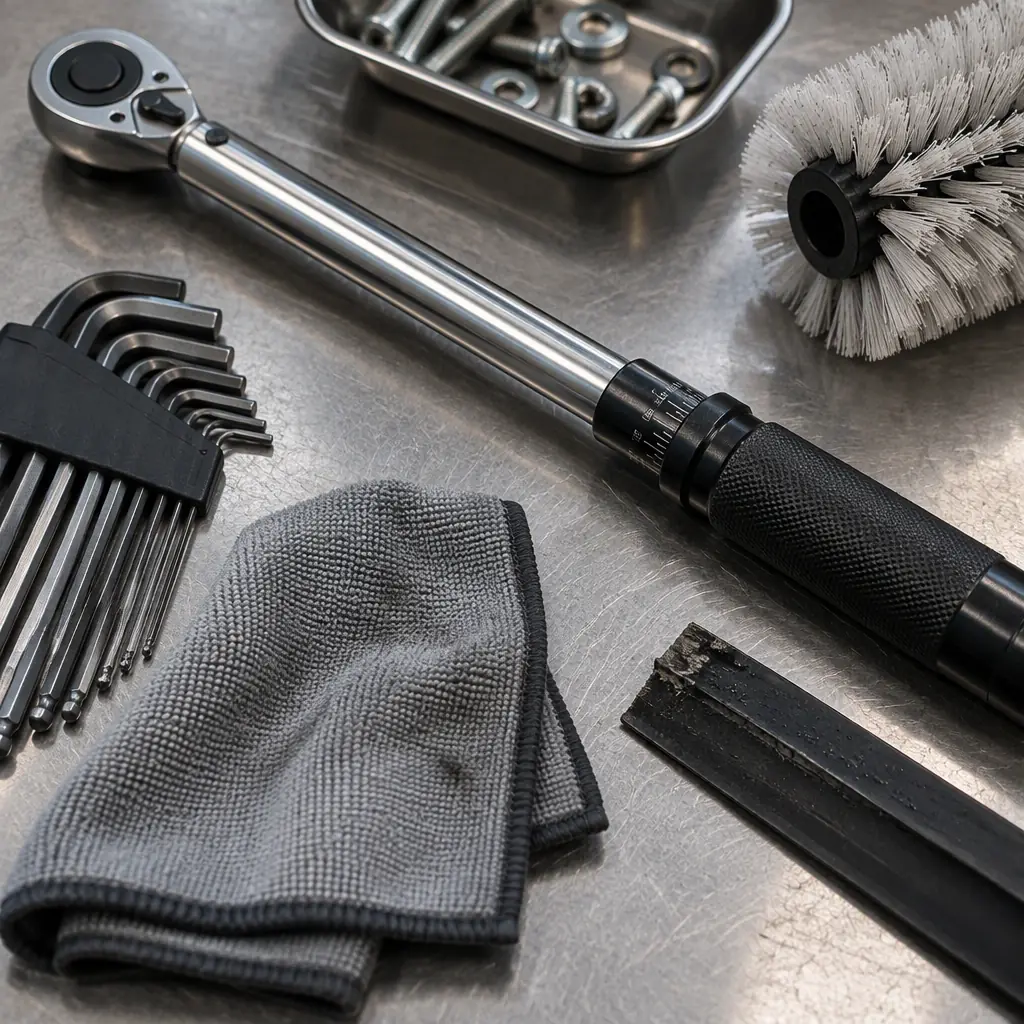
Verify wheel encoder drift, check drive wheel tread depth, inspect and dress charging contacts, run a battery capacity test if the pack has passed 500 cycles, and confirm navigation calibration against the site map. This is the visit most worth not skipping, because the two items that end up costing the most in unplanned parts, drive wheels and battery packs, are both detectable here well before failure.
Annual, by a technician
Full navigation recalibration, seal and gasket inspection, a structured review of intervention and utilisation trends against the fleet baseline, and a decision on any pack approaching 70% of nameplate capacity. That decision point is covered alongside the rest of the lifecycle in our replacement and lifecycle planning guide.
Condition Triggers That Beat the Calendar
Intervals built from duty-cycle arithmetic are a baseline, not a ceiling. Four conditions justify shortening them, and each is observable without new instrumentation.
- Rising intervention rate. If interventions per 1,000 m² climb above the fleet's 30-day rolling median by more than 50%, move the next service visit forward rather than waiting for the calendar. This is the single most useful trigger available and it needs no hardware.
- Environment change. A site that adds construction, changes floor finish, or begins operating with open loading doors has changed the dust and debris load. Filters and brushes should be inspected at half the normal interval for one quarter, then re-assessed.
- Coverage drift. A slow decline in the share of scheduled area the robot actually reaches usually predates a sensor fault. If coverage falls five percentage points below the normal range for that route, inspect the sensor array before assuming a map problem.
- Runtime decline. A pack that delivers noticeably shorter operating time than its established baseline on comparable routes is degrading. Compare against the machine's own history rather than against a specification, since route differences dominate runtime.
What the Schedule Costs, and What It Prevents
Pricing the schedule makes the case for keeping it. On the three-machine fleet above, the annual maintenance commitment is roughly eleven technician hours and about $1,450 in parts and consumables per machine, covering the brush, two squeegee sets, two filter sets, and the shared cost of the semi-annual and annual visits.
Against that, consider the cost of a single unplanned failure during a contracted cleaning window: call-out labour at premium rates, the coverage cost of the missed route, and in a fixed-scope contract, potentially a service credit. One avoided failure per machine per year offsets roughly half the annual maintenance budget, and the components the schedule actually protects, drive wheels and battery packs, are the two most expensive unplanned replacements on the list.
| Item | Annual per machine | Notes |
|---|---|---|
| Technician time (11 h) | $550-$880 | Blended rate $50-$80/hr |
| Brush (1/yr) | $280-$450 | Scales with area |
| Squeegee blades (2 sets) | $180-$300 | Replaced on hours |
| Filter sets (2 sets) | $120-$220 | Interval shortens with dust |
| Consumables subtotal | $580-$970 | Parts only |
| Annual total | $1,130-$1,850 | Excludes battery pack |
Note what is absent: the battery pack. It is not an annual cost, and the mistake of smoothing it across every year hides the year it actually lands. Put it in the model at the year it is due. Our maintenance and total cost of ownership guide shows how the pack fits into the five-year picture, and the combined five-year ledger prices all five cost lines together.
Making the Schedule Survive Contact With Operations
Most maintenance schedules are correct on paper and abandoned within two quarters. Three practices keep them alive.
First, put the nightly list where the operator already is, on the fleet dashboard or attached to the end-of-shift report, rather than in a binder. A checklist the operator has to seek out will not be executed on a busy night.
Second, track the intervention rate as the schedule's own KPI. It rises when a schedule is being missed, which makes it a self-monitoring metric. If interventions are stable at a low rate, the schedule is working and can be defended when someone proposes cutting it.
Third, record what each visit actually found, not just that it happened. A log of "brush replaced, filaments worn to 40%" is what lets you extend or shorten an interval on evidence next year rather than guessing again. That log paired with the KPI set in our benchmarks guide gives you both the maintenance record and the audit trail.
AOMAN FUTURE ships a maintenance task library with the C1 and C2 Pro cleaning platforms that maps each component to its ageing clock and reports the intervention rate against a rolling median, so the schedule can be tuned to your routes rather than a generic interval. If you want the task library and a blank interval worksheet for your own duty cycle, request it here.