
Service Robot Data Ownership and API Interoperability
At a glance: The robot is the visible purchase; the data it generates is the quieter one. Coverage maps, fault logs, utilisation curves and cleaning records accumulate from day one, and who controls that data decides whether your fleet is an asset you manage or a service you rent. This guide sets out the data ownership clauses to write into the contract, the API access levels worth demanding, the integration patterns that link robots to your building systems, and the exit plan that keeps the fleet yours.
The Data You Generate and Who Can See It
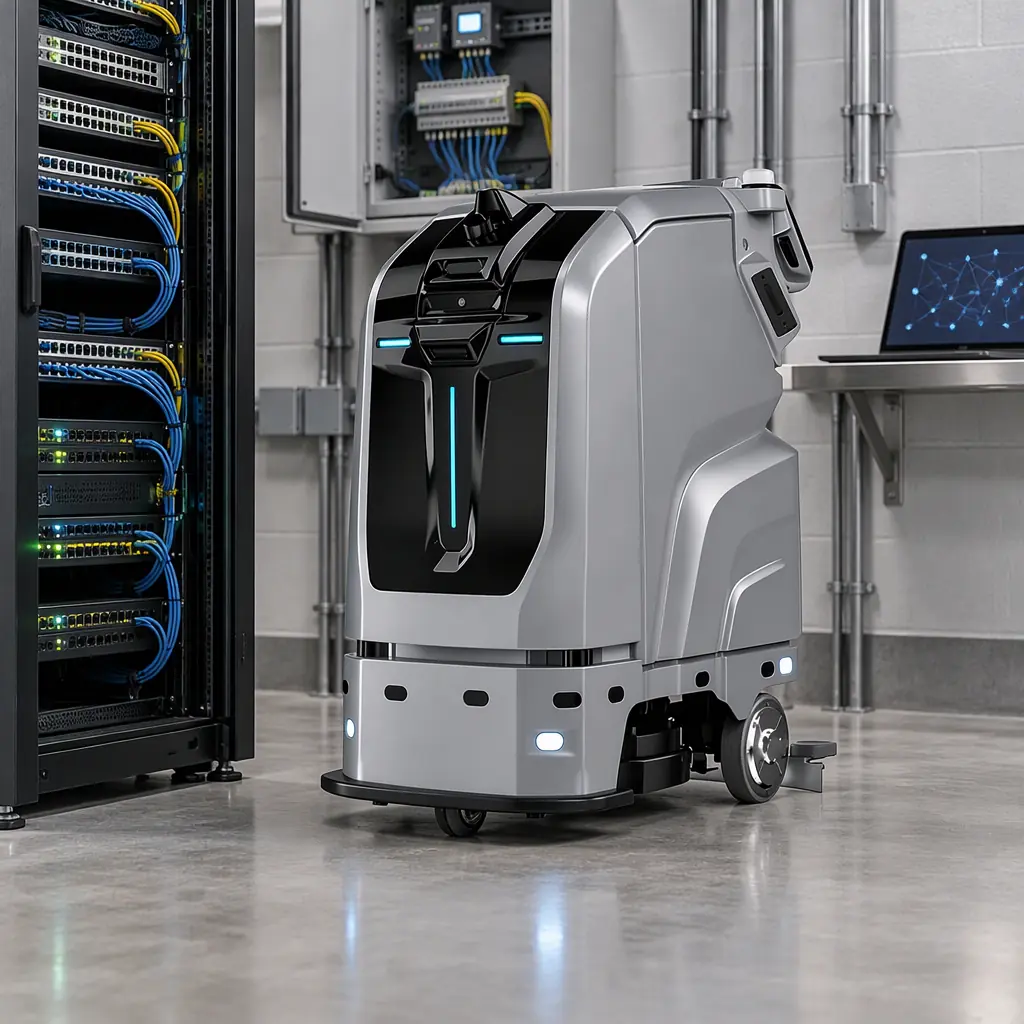
Every deployed unit produces more than a cleaning or delivery log. It generates navigation maps of your building, occupancy and traffic patterns, fault and intervention histories, utilisation time series, and battery and charging behaviour. Individually these are operational records; together they describe how your facility runs all day, which is commercially sensitive.
By default, in most off-the-shelf contracts, that data sits in the supplier's cloud under the supplier's terms. You get a dashboard view and an export button that may or may not work. The question to settle before signing is not whether the supplier is trustworthy but who has the contractual right to the data, in what format, and for how long after the relationship ends.
This is a procurement question as much as a technical one, and it belongs alongside the other commercial-instrument pages. The financial structure that determines who bears the risk of ownership is set out in the RaaS and financing models guide, while the terms that govern what happens when things go wrong sit in the warranty contract terms guide. Data ownership is the third leg of the same stool.
The Contract Clauses That Decide Ownership
Vague language here is the root of most lock-in. Ask for the following clauses explicitly, and reject "data is used to improve our services" as a substitute for a defined right.
| Clause | What to require | Why it matters |
|---|---|---|
| Ownership | Customer owns all data generated by units on its premises | Removes ambiguity, gives you a legal basis for export demands |
| Purpose limitation | Supplier may process data only to deliver the contracted service | Blocks secondary commercial use without consent |
| Export right | Full export in an open, documented format on demand | Turns ownership into something you can act on |
| Retention and deletion | Defined retention window and certified deletion on termination | Prevents data outliving the relationship |
| Sub-processor disclosure | Named list of third parties with data access | Needed for your own privacy and vendor reviews |
| Anonymisation | Clear statement of what is or is not personal data | Navigation maps can capture people; privacy review hinges here |
| Security and breach notice | Encryption at rest and in transit, breach notification window | Aligns the fleet with your existing security policy |
The retention clause is the one most often left blank and the one that bites hardest. If the supplier keeps your floor plans and utilisation history indefinitely after the contract ends, you have transferred an operational asset to a third party without a price.
API Access Levels Worth Demanding
An export button is not an API. Ask for read access to the operational data and a documented interface, then assign each level to the system that needs it. The table below is a practical access model to write into the technical annex.
| Access level | Data exposed | Typical consumer | Frequency |
|---|---|---|---|
| Read: telemetry | Battery, position, state, faults | Monitoring dashboard, NOC | Near real time |
| Read: mission history | Completed routes, coverage, durations | Reporting, BI warehouse | Hourly or daily |
| Read: asset registry | Unit IDs, firmware versions, service dates | CMMS, asset management | Daily |
| Read: floor maps | Published map versions | Internal GIS or planning tools | On change |
| Write: mission dispatch | Create or cancel scheduled tasks | BMS, scheduling layer | Per event |
| Write: configuration | Update routes, zones, parameters | Fleet operations team | Controlled change |
| Admin: user and role | Provision accounts and permissions | Customer IT | Rare, audited |
Demand at least the read levels plus mission dispatch. Without read access to mission history you cannot reconcile the fleet's work against your own service records; without dispatch you cannot respond to a building event automatically. Ask also for the interface to be documented, versioned, and rate-limited rather than undocumented and changeable without notice.
Integration Patterns That Actually Work
Interoperability is not a single integration; it is three or four connections, each solving a specific problem. Choose the patterns that match your existing building systems rather than accepting whatever the vendor's dashboard offers.
- Robot to BMS. Publish robot state and receive dispatch or hold signals. This is the pattern that lets a building automation system schedule cleaning around occupancy, using the same sensor data described in the occupancy and BMS integration guide.
- Robot to CMMS. Push fault events and asset records into the maintenance system so a work order is opened the moment a fault is logged, without manual re-entry. The asset registry connection above feeds this directly.
- Robot to data warehouse. Scheduled export of mission history into your BI layer, so fleet performance sits beside every other operational metric rather than in a vendor silo. This is the data source for the measures in the KPI benchmarks guide.
- Robot to access control. Where units use elevators or doors, an agreed signal interface to the building's access system, covered in the elevator and multi-floor deployment patterns.
- Robot to external reporting. Sustainability and ESG reporting increasingly needs verified operational data; a warehouse feed of energy and coverage is what makes those figures auditable.
Each connection should be documented, tested in the acceptance regime, and owned by a named system. An integration nobody owns is an integration that fails silently the first time firmware updates change a field name.
Fleet-Agnostic Software and the Lock-In Question
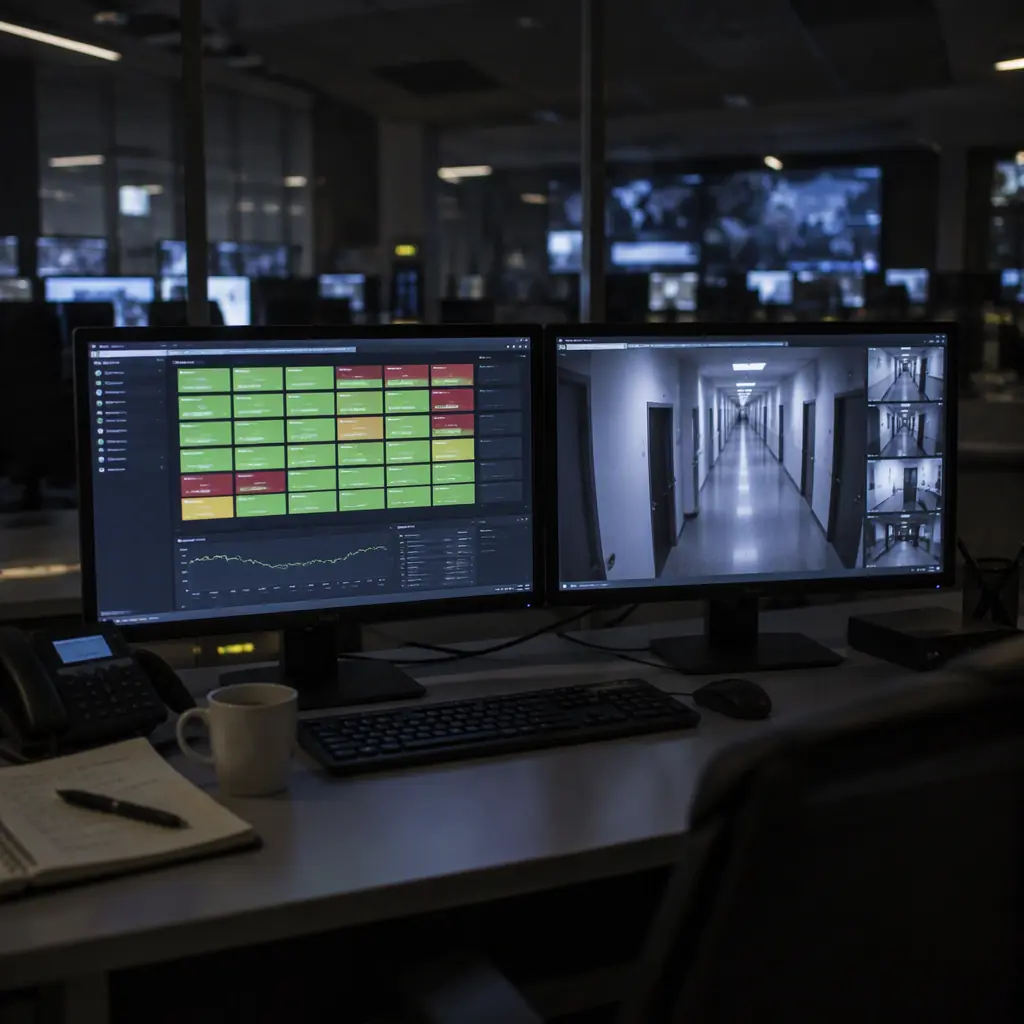
The strategic question behind all of this is whether your management layer is fleet-agnostic or vendor-bound. A vendor-bound dashboard is convenient while you run one brand and a wall the moment you add a second. A fleet-agnostic platform reads from multiple vendors' APIs into one operational view.
If you intend to run mixed hardware, whether by design or by acquisition, build or buy the agnostic layer now. The two approaches are compared in the fleet software integration guide, and the wider management picture sits in the fleet management software guide. The API access levels above are precisely what an agnostic layer consumes; without them, agnosticism is a promise the vendor cannot keep.
Test the claim before you commit. Ask for a live demonstration of the export, hand the exported file to your own analyst, and confirm the schema matches the documentation. A vendor who cannot produce a working export in a sales demo will not produce one in a dispute.
The Exit Plan You Write on Day One
Data portability is only real if you have practised it. Write the exit plan at the start, when your leverage is highest, rather than in the last month of the contract. It has four parts.
- Export everything once. Run a full export of maps, history, and asset data in the first quarter, and store it in your own system. This proves the export works and gives you a baseline.
- Document the schema. Keep the API documentation and a sample of each data type in your repository. If the vendor's documentation disappears, yours does not.
- Name the migration path. Identify which systems would consume the data after transition, and confirm they accept the exported format.
- Set the deletion expectation. Know what you require the vendor to delete, and by when, on termination.
Done properly, data ownership stops being an abstract legal concern and becomes a routine part of onboarding. You own the maps, the history, and the interfaces; the hardware is replaceable and the fleet intelligence stays with you. That is the difference between buying robots and renting a capability you can never inspect.

Get a Quote
Tell us about your space and workload, we reply within 24 hours.