
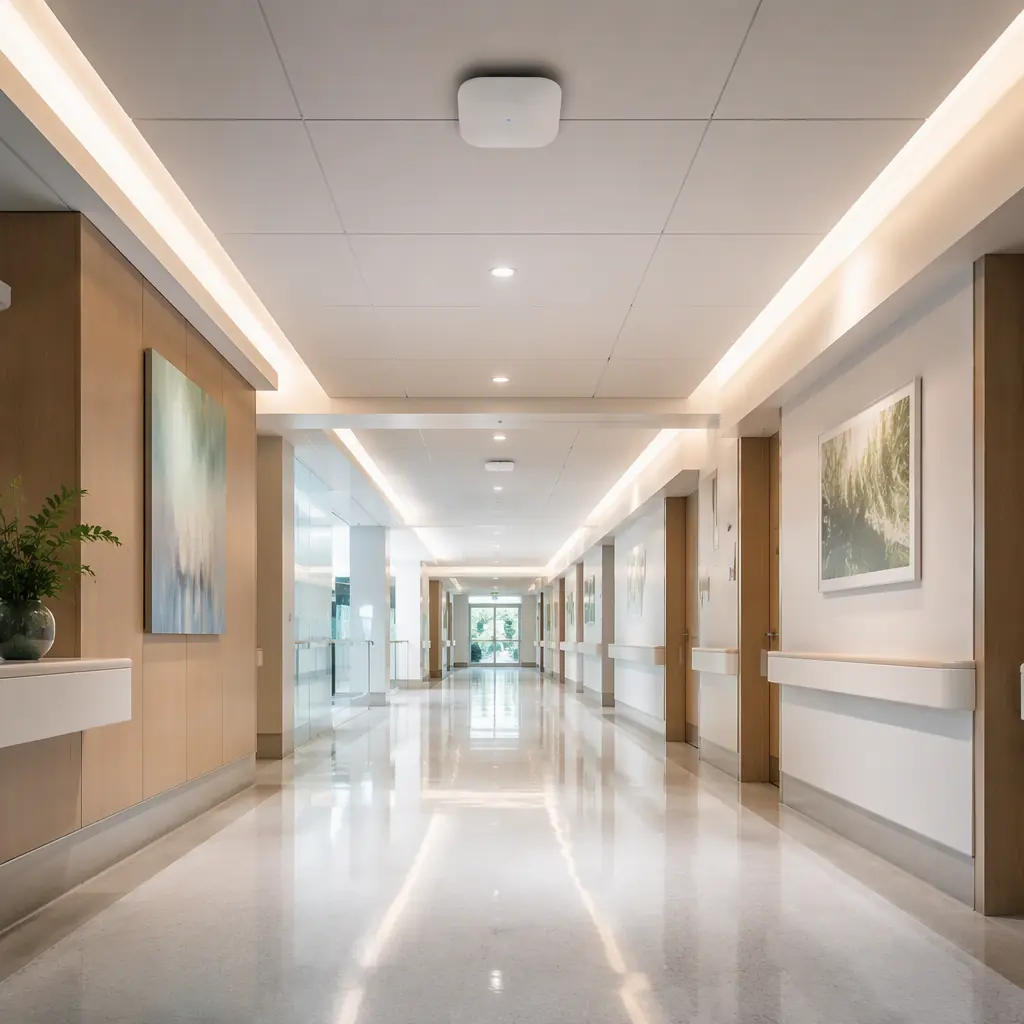
A 5-floor hospital in Shenzhen deployed eight delivery robots and learned the connectivity lesson the hard way: the robots worked on the first floor, stuttered on the second, and stopped dead at the elevator lobby on the third — where the hospital's Wi-Fi, designed for nurse tablets and visitor phones, had a coverage gap exactly where the robots needed to roam. The RF survey found the cause: the access points were mounted for human devices at desk height, with -70 to -75 dBm at robot sensor height in the corridors, and roaming between APs took 800 ms — long enough for the robot's navigation stack to lose the fleet connection and trigger its safety stop. Robots are the hardest clients a wireless network will ever serve: they move, they roam, and they cannot be retrained to stand still. The hospital delivery guide covers the delivery pattern; this guide covers the network underneath it — the connectivity and infrastructure planning that decides whether a fleet of CADEBOT L100 delivery robots and CLEINBOT cleaning robots runs smoothly or spends its days rebooting in dead zones.
Why Robots Are the Hardest Clients on the Network
A human with a phone tolerates a dropped video call; a robot cannot tolerate a dropped telemetry stream. A delivery robot streams LiDAR scans, camera frames, IMU data and its fleet heartbeat at a combined 1-3 Mbps continuously while moving — modest bandwidth, but with two properties that break consumer Wi-Fi designs: mobility, because the client roams between APs every 30-60 seconds in a corridor deployment, and low latency tolerance, because the fleet platform's 3-second collision-prediction window (the fleet management guide documents the orchestration layer) needs the robot's position updates to arrive within ~500 ms or the platform pauses the fleet. The practical effect: a network designed for people delivers -70 dBm at robot height and 800 ms roaming delays, which the navigation SLAM guide confirms is exactly the failure zone for LiDAR-based localization. The first rule of robot connectivity is that the network is a deployment parameter, budgeted and surveyed like the robots themselves — the budget planning guide line-item for the site survey is not optional spend, it is the difference between a fleet that works and a fleet that demonstrates.
The RF Site Survey: Mapping Coverage at Robot Height
Before any robot ships, a radio-frequency site survey maps the facility at robot height — typically 20-40 cm above the floor for delivery robots and 15-30 cm for cleaning robots, not at desk height where human networks are designed. The survey walks every corridor, lobby, elevator lobby and dock the robots will use, logging signal strength and roaming behavior with a survey tool carried at robot height. Three deliverables matter: a coverage heatmap showing every point below -65 dBm (the minimum sustained signal for stable robot telemetry), a roaming map showing where AP handoffs happen and how long they take (target: under 150 ms with 802.11r/k/v fast roaming), and an interference scan for microwave, Bluetooth-heavy zones and neighboring-SSID contention. The bus & rail transit guide documents the same survey discipline for underground stations, where concrete and RF-hostile environments force mesh AP additions; the office and hospital version is usually cheaper — the survey typically finds 2-6 AP additions or relocations that close the gaps.
Wi-Fi 6/6E Network Design for Robot Fleets
The network design rules for a robot fleet are specific and non-negotiable. Dedicated SSID: robots run on their own SSID and VLAN (the segmentation rule the cybersecurity guide mandates), isolated from guest and staff traffic. Wi-Fi 6 (802.11ax) minimum: OFDMA and target wake time handle many robots on one AP without the contention collapse older standards suffer when 8-10 robots roam the same corridor. Band steering: robots are steered to the 5 GHz band (or 6 GHz on Wi-Fi 6E) where available, keeping the 2.4 GHz band for the building's IoT sensors. Roaming tuning: 802.11r fast transition plus 802.11k/v neighbor reports cut handoff from 800 ms to under 150 ms — the single highest-impact fix for the Shenzhen hospital's stutter. QoS: the fleet telemetry traffic class is marked for priority over guest streaming, so a lobby full of video calls never starves the robots' heartbeat. AP density at robot height: corridor APs are mounted and angled so the -65 dBm contour covers the floor band continuously, not just the desk band. The telecom facilities guide runs the same design for central-office deployments; the pattern is identical — robots are infrastructure clients, and they get infrastructure-grade wireless.

Private 5G vs Wi-Fi: When to Move Up
For most facilities, Wi-Fi 6 is sufficient and cheaper. Two cases justify private 5G: very large or outdoor estates — a 200,000 m² distribution campus or a port facility where Wi-Fi coverage would need hundreds of APs, while a private 5G small-cell network covers the site with deterministic latency and wide-area roaming; and interference-hostile environments — factories with heavy machinery RF noise (the manufacturing guide covers factory-floor deployments) where licensed-spectrum 5G is immune to the contention that degrades Wi-Fi. The tradeoff is cost and complexity: private 5G requires spectrum licensing or a neutral-host provider, a core network, and specialized skills, with deployment costs typically 3-5× a Wi-Fi 6 upgrade — which is why the decision rule is: Wi-Fi 6 first, private 5G only when coverage area, latency or interference makes Wi-Fi uneconomical. Outdoor cleaning fleets like the CLEINBOT CC201 running parking lots and yards are the most common 5G candidates — the outdoor cleaning guide covers the environment, and the connectivity question is usually solved with a single cellular router on each robot plus Wi-Fi at the charging dock.
Post-Deployment Verification: The Roaming Test
Deployment is not done when the robots connect; it is done when the fleet survives a roaming test. The standard verification: run every robot route with the fleet dashboard logging connection quality, and confirm three thresholds — no disconnects across a full shift (the failure modes guide treats connection loss as a top-3 robot failure mode), roaming handoffs under 150 ms at every AP boundary, and telemetry latency under 500 ms at the worst point on the map. The checklist that precedes the test: survey heatmap shows no sub--65 dBm point on any robot route; dedicated SSID and VLAN configured; fast roaming enabled and measured; QoS marks applied; AP mounting verified at robot height; and a documented rollback plan if a zone fails (temporary static-route zones or extra AP). The multi-site deployment guide extends the same test to every site in a chain — each site gets its own survey, because no two buildings have the same RF picture.

Network-Readiness Checklist
| Item | Target | Cost (est.) |
|---|---|---|
| RF site survey at robot height | Heatmap + roaming map + interference scan | $800-2,000 |
| AP additions/relocations | No point below -65 dBm on robot routes | $300-600 per AP |
| Wi-Fi 6 upgrade (if pre-6) | 802.11ax APs on robot SSID | $400-900 per AP |
| Fast roaming + band steering | Handoff < 150 ms, robots on 5/6 GHz | Included in AP config |
| Dedicated SSID/VLAN + QoS | Isolated robot traffic, priority telemetry | Config + switch fees |
| Roaming verification test | 0 disconnects, < 500 ms telemetry latency | 1-2 staff-days |
Deployment Table
| Facility | Robot fleet | Connectivity build | Monthly connectivity cost (est.) |
|---|---|---|---|
| Single floor, 1-3 robots | 1-2 × L100 / M79 | Survey + 1-2 AP additions on existing Wi-Fi 6 | $150-350 |
| Multi-floor, 5-15 robots | 4-8 × L100/CLEINBOT | Survey + mesh AP layer + dedicated SSID/VLAN | $600-1,800 |
| Campus / large site, 20+ robots | 10+ robots across buildings | Wi-Fi 6 estate + optional private 5G zones | $2,500-8,000 |
Connectivity is the boring half of a robot deployment and the half that decides whether the exciting half works. The Shenzhen hospital added four access points, enabled fast roaming, and cut its robot stutters from daily incidents to zero in the month after the fix — the same survey-and-tune pattern that applies to every facility, from a single-floor office pilot to a campus fleet. The starting point is not buying more bandwidth; it is walking every corridor at robot height with a survey tool, and fixing the gaps the robots will actually hit.