
Service Robot Obsolescence and End-of-Support Planning
At a glance: Every fleet has two expiry dates, and most buyers only plan for one. The first is end-of-life, the day a robot is finally scrapped. The second is end-of-support, the day the vendor stops shipping firmware security patches and spare parts, which arrives years earlier and is decided by the contract signed at purchase. This guide defines the difference, sets out the support window a buyer should demand, and gives the decision model for the moment the support clock runs out and the choice is to extend or migrate.
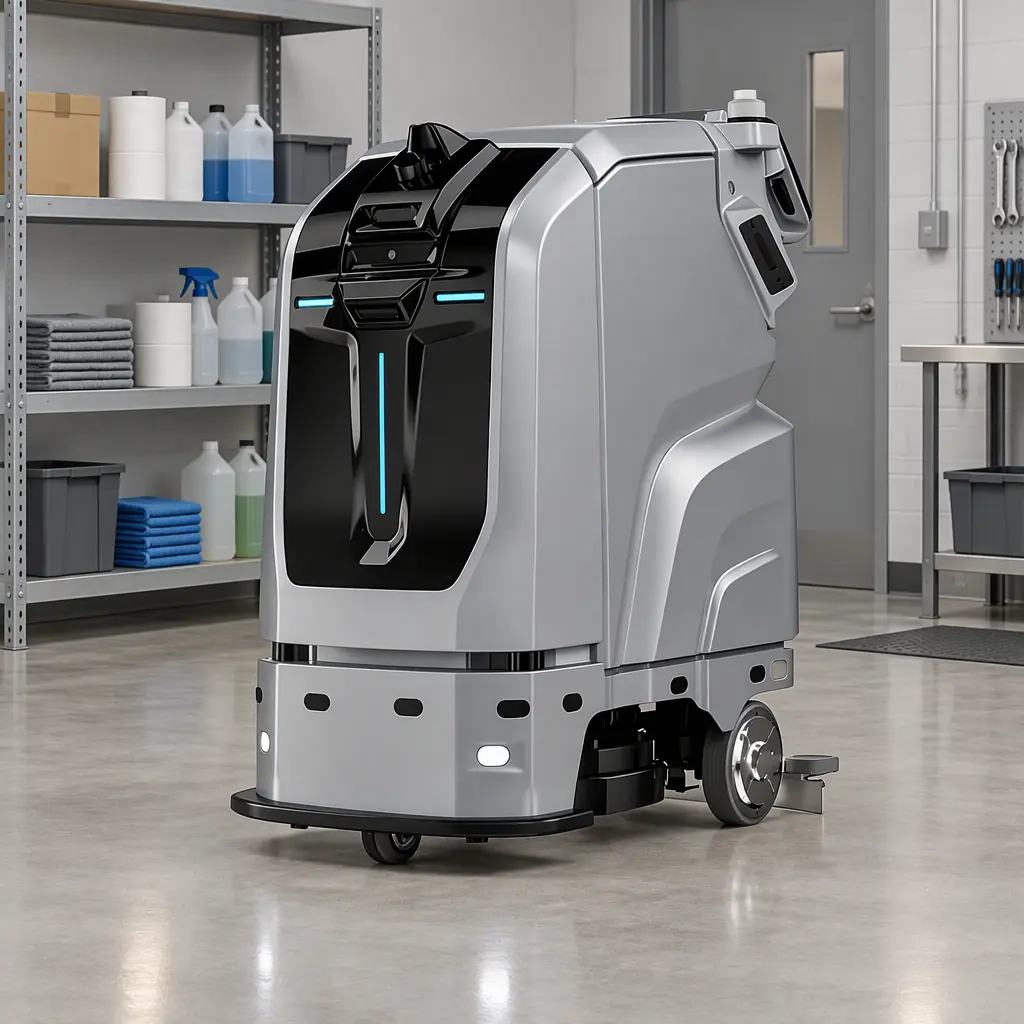
End-of-Support Is Not End-of-Life
The two terms are used interchangeably and they should not be. End-of-life (EoL) is the point at which a unit is withdrawn from service and disposed of. End-of-support (EoS) is the point at which the vendor stops providing security updates, spare parts, and repair support. A unit can sit in EoS for years before it reaches EoL, and every day in between it is a robot running unsupported software with no factory parts.
The distinction matters commercially because EoS has a date, and that date is set by the contract. If the contract never names a minimum support window, the vendor is free to declare EoS at whatever point suits its roadmap. If it names one, the buyer has a clock to plan against. This is the same principle that the decommissioning clauses protect at the end of a lease, set out in the guide to decommissioning and end-of-life management. Obsolescence planning is simply the front half of that same lifecycle.
The practical rule: never buy a robot without a written minimum support window for firmware, security patches, and spare parts. Ten years is the benchmark for industrial equipment; seven years is defensible for a fast-moving service robot platform; anything shorter should be priced as a shorter-life asset.
The Minimum Support Window and What It Covers
A support window is only useful if it specifies what is supported. A clause that promises "support" without defining scope is marketing, not a commitment. The window should cover four distinct deliverables, each with its own clock.
| Deliverable | Typical minimum | Why it matters |
|---|---|---|
| Security firmware patches | 7-10 years from last unit shipped | An unpatched unit is a network liability |
| Functional firmware updates | 5 years | Bug fixes and navigation improvements |
| Spare parts availability | 7-10 years | No parts means no repair, only replacement |
| Battery pack supply | 5-7 years | Packs degrade and are the first consumable to run out |
The clock should run from the last unit shipped, not from the model's launch date, otherwise early buyers subsidise late ones by carrying a shorter effective window. Ask the vendor to state the reference point in writing. As a cross-check, the parts and consumables that will run out first are the ones the spare-parts plan must quantify, using the method in the spare parts and consumables guide.
The Obsolescence Early-Warning Checklist
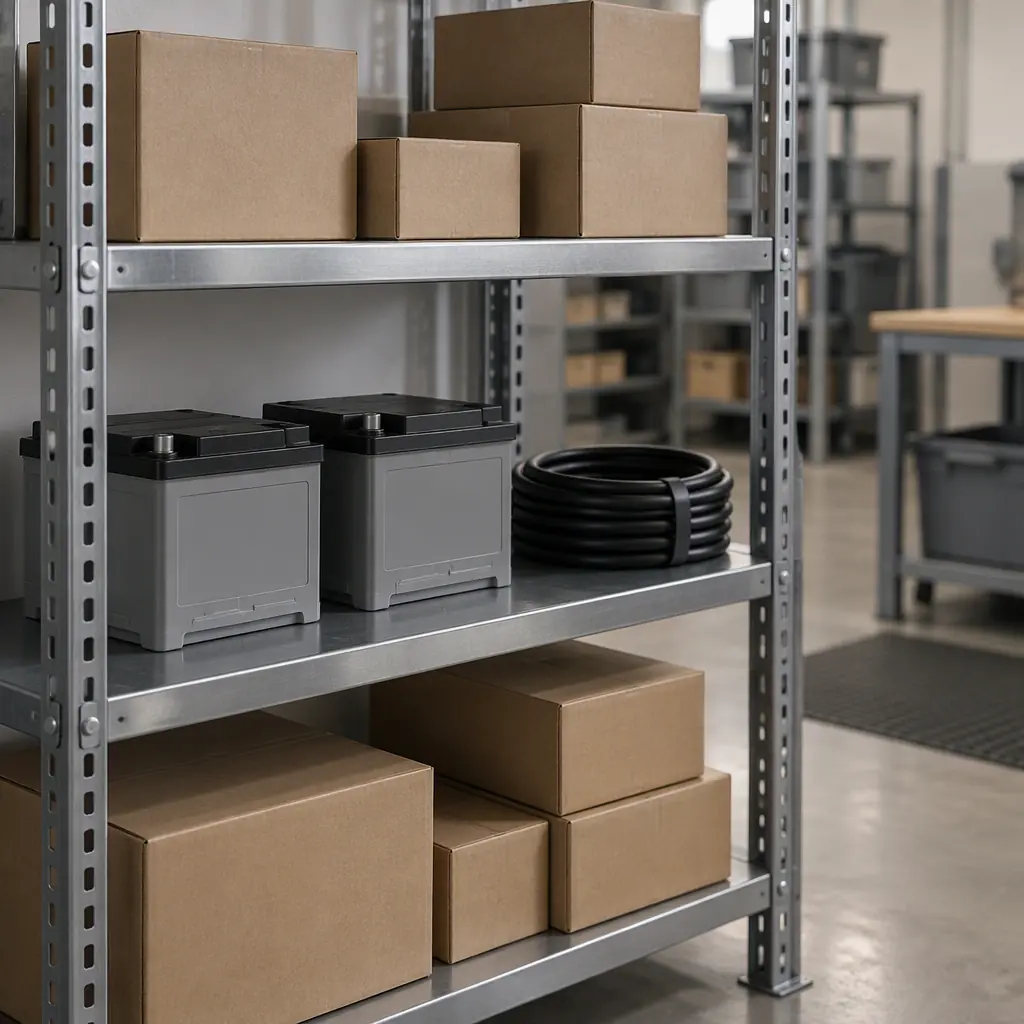
EoS rarely arrives without warning. Five signals appear months in advance, and a fleet owner who watches them plans the transition instead of reacting to a parts shortage.
- Part lead times stretch. A component that shipped in two weeks now takes eight. The supply chain is winding down.
- Firmware releases slow. Update cadence drops from quarterly to annual, then stops. The platform is frozen.
- The model disappears from the catalogue. It is no longer on the vendor's product page, replaced by a successor.
- Support contacts change. The named service engineer is reassigned and no replacement is named.
- Successor launches. A new model ships with a migration programme attached, which is the vendor telling you the clock has started.
When three of these are true, the extend-vs-migrate decision is due within the next budget cycle, not the next contract renewal. The depreciation and residual-value position of the fleet feeds directly into that decision, using the schedule set out in the guide to depreciation and residual value.
Last-Time-Buy: Sizing the Stockpile
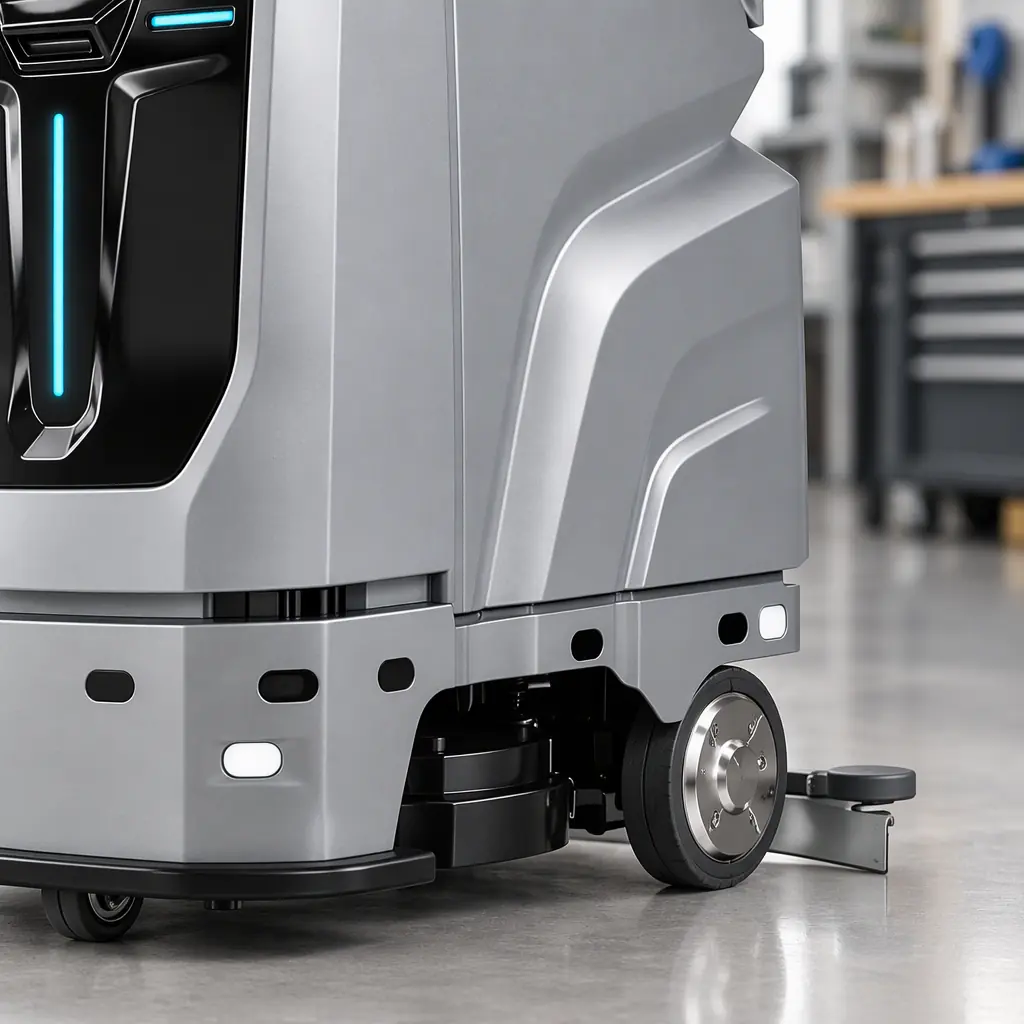
When a vendor announces EoS, it usually offers a last-time-buy (LTB) window. The LTB is the buyer's one chance to stockpile the parts that will fail. Getting the quantity wrong in either direction is costly: too little and a failed unit is scrapped early, too much and the capital sits in a shelf.
Size the LTB from the failure history, not from a guess. For each part, take the observed annual failure rate across the fleet, multiply by the remaining planned service years, and add a safety margin for the cost-critical parts. The parts to over-buy are the ones with no substitute, a motor, a control board, a proprietary battery pack. The parts to under-buy are the commoditised ones, a squeegee blade, a brush, a sensor bracket, which a third party can supply.
| Part type | LTB strategy | Rationale |
|---|---|---|
| Proprietary control board | Over-buy 120% of forecast | No substitute, unit-stranding if unavailable |
| Drive motor | Over-buy 110% | High failure rate, long lead time if sourced later |
| Battery pack | Over-buy 130% | Consumable, degrades regardless of use |
| Squeegee and brush | Under-buy, source third-party | Commodity item, no lock-in |
| Sensor bracket | Under-buy, print locally | Simple geometry, easy to fabricate |

Extend or Migrate: The Decision Model
When the support clock runs out, the fleet faces two doors. Extend keeps the units running on existing hardware with stockpiled parts and self-support. Migrate replaces them with a supported successor. The decision is a comparison of two costs over a fixed horizon, not a preference.
Cost-to-extend is the stockpiled parts spend, plus the technician time to self-support, plus the security risk of running unpatched firmware. Cost-to-migrate is the new unit capital, minus the residual value of the old fleet, plus the transition labour. The horizon matters: over two more years, extension usually wins; over five, migration usually wins, because self-support cost climbs as parts run down and security exposure compounds.
Two factors push toward migration earlier than the arithmetic suggests. First, security: an unpatched unit that connects to the building network is a growing liability, and the same exposure the cybersecurity guide treats as a live risk applies here. Second, ecosystem: if the successor shares the vendor-neutral layer described in the multi-vendor interoperability guide, migration is a re-point rather than a rebuild, which lowers the migration cost and moves the crossover earlier. The firmware lifecycle itself, including what "end of functional updates" means in practice, is set out in the firmware and OTA lifecycle guide.
Whichever door is chosen, the total cost sits inside the five-year ledger in the total cost of ownership model, and the support terms should be validated at acceptance using the discipline in the commissioning guide.
Common Ways Obsolescence Catches Buyers Out
The failures are predictable and each is a clause away from being avoidable.
- No support window in the contract. EoS arrives on the vendor's schedule with no notice period.
- Clock starts at launch. Early buyers get a shorter effective window than late buyers for the same model.
- LTB decision missed. The stockpile window closes before the buyer has a parts forecast, and the parts are simply gone.
- Commodity parts over-bought. Capital is tied up in items a third party could supply cheaper.
- Security ignored in extension. The fleet runs unpatched for years because the extension arithmetic omitted the security cost.
Handled this way, obsolescence stops being a surprise and becomes a scheduled decision: a support window written into the contract, an early-warning checklist on the operations calendar, a sized last-time-buy, and a costed extend-or-migrate model ready before the clock runs out.

Get a Quote
Tell us about your space and workload, we reply within 24 hours.